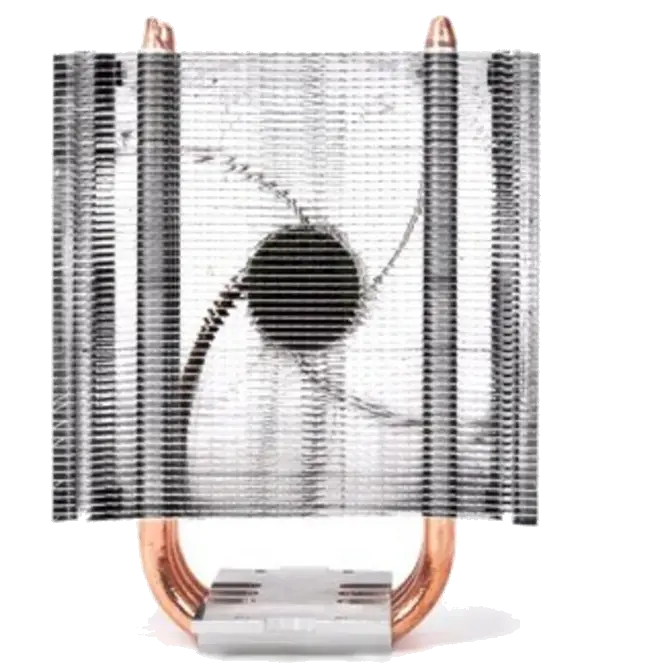
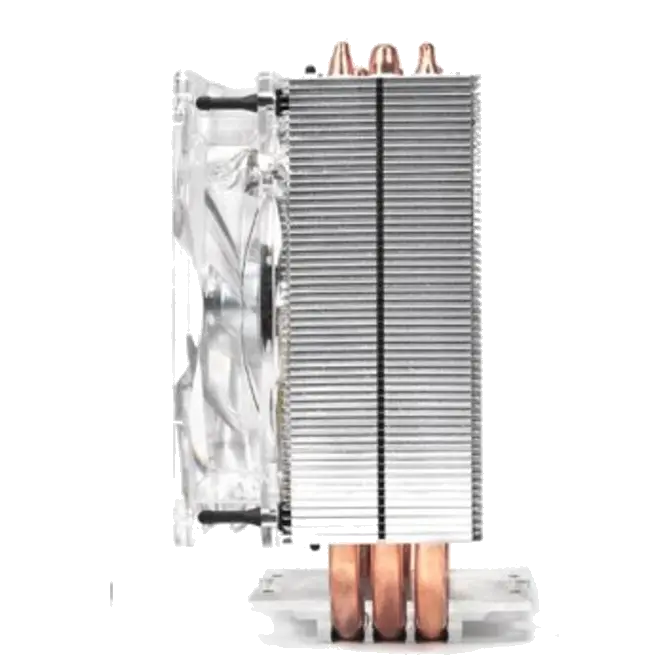
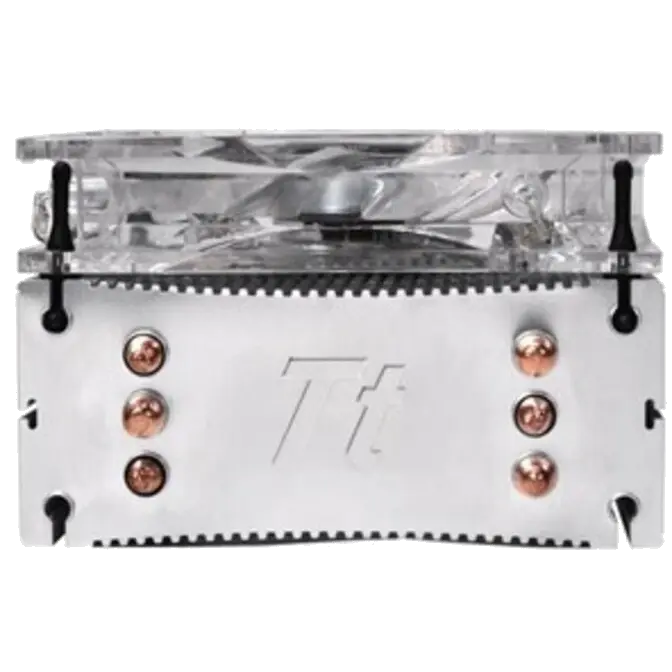
Thermaltake Contac 30 Heatsink and Fan PN CLP0579

PN: CLP0579

This product is no longer avaliable.

See suggested alternative models below.

Suggested Products

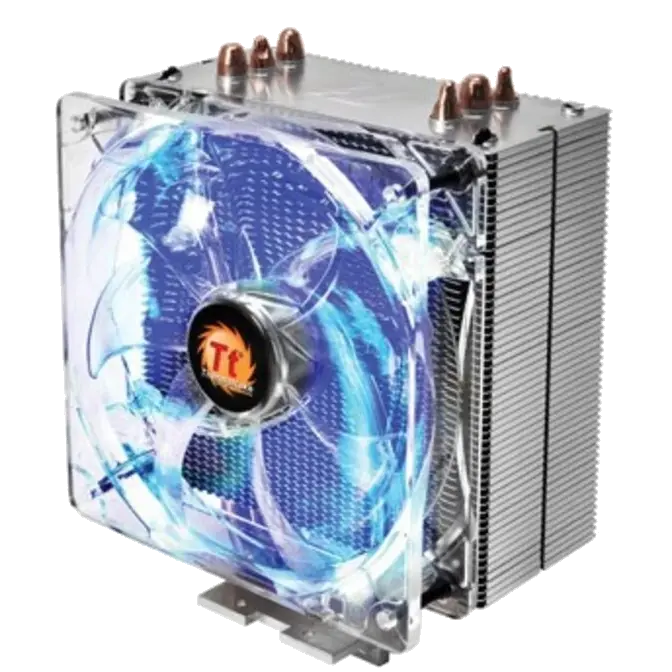
Three 8mm Heat-pipes make direct contact with the CPU, enhances thermal transfer, Curved fin design increases airflow and accelerates heat dissipation, 120mm PWM fan, automatic speed adjustment from 800~2000 RPM, Anti-vibration soft mounts decrease noise when operating, All-in-one back-plate design for easier installation, Universal support: Intel socket LGA2011/1366/1155/1156/775 AMD socket FM1/AM3+/AM3/AM2+/AM2

Features

Excellent Price/Performance Value CPU Cooler, supports up to 160W.

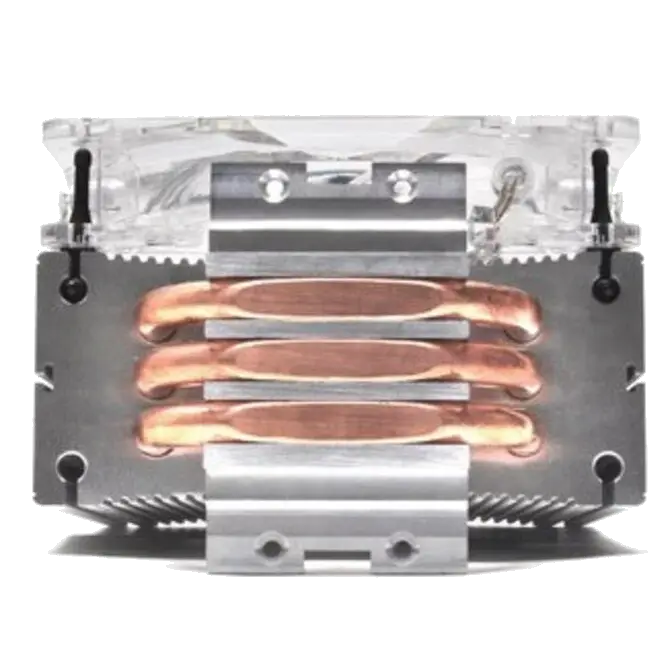
• Three 8mm Heat-pipes make direct contact with the CPU, enhances thermal transfer.
• Curved fin design increases airflow and accelerates heat dissipation.
 

One 120mm Blue LED Fan

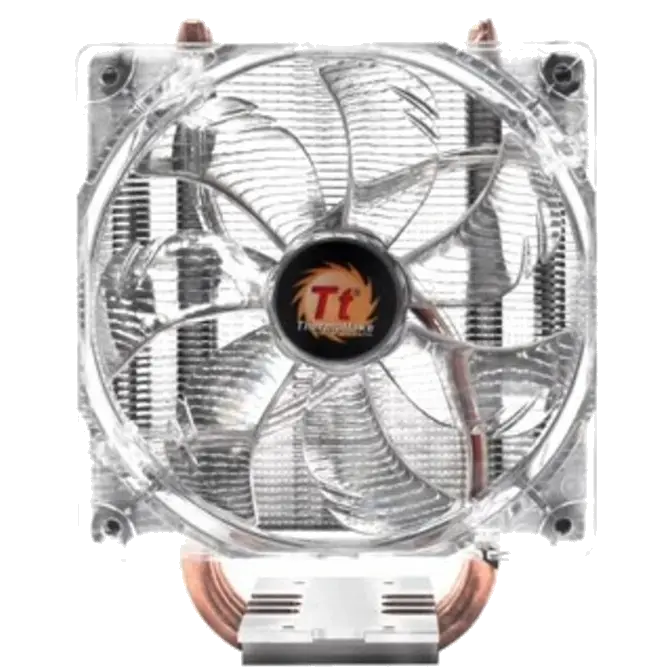
• 120mm PWM fan, automatic speed adjustment from 800~2000 RPM.
• Anti-vibration soft mounts decrease noise when operating.
 

Universal Socket Compatibility & Accessory Package

• All-in-one back-plate design for easier installation
• Universal support: Intel socket LGA2011/1366/1155/1156/775 AMD socket FM1/AM3+/AM3/AM2+/AM2


Dimension

Thermaltake Contac 30 Heatsink and Fan PN CLP0579


Intel Motherboard Installation


Step 1 Step 2
Thermaltake Contac 30 Heatsink and Fan PN CLP0579 Thermaltake Contac 30 Heatsink and Fan PN CLP0579
Step One: Insert the four long screws through the back-plate into the four holes on the motherboard and secure them with the four plastic spacers. Step Two: Put the two Intel mounting bars along the four long screws and secure them with four nuts.
Step 3 Step 4
Thermaltake Contac 30 Heatsink and Fan PN CLP0579 Thermaltake Contac 30 Heatsink and Fan PN CLP0579
Step Three: Fan module on the cooler must be removed before the installation. Step Four: Securing the two T-mounting bars to the base of cooler by short screws.
Step 5 Step 6
Thermaltake Contac 30 Heatsink and Fan PN CLP0579 Thermaltake Contac 30 Heatsink and Fan PN CLP0579
Step Five: Applying a thin layer of thermal grease Step Six: Place the assembled heat-sink onto the CPU and tighten each fixing bolts evenly.
Step 7 Step 8
Thermaltake Contac 30 Heatsink and Fan PN CLP0579 Thermaltake Contac 30 Heatsink and Fan PN CLP0579
Step Seven: Reinstall the fan onto the heat-sink Step Eight: Connect the 4-pin wire to the motherboard’s CPU fan connector. Installation is done.


AMD Motherboard Installation


Step 1 Step 2
Thermaltake Contac 30 Heatsink and Fan PN CLP0579 Thermaltake Contac 30 Heatsink and Fan PN CLP0579
Step One: Insert the four long screws through the back-plate into the four holes on the motherboard and secure them with the four plastic spacers. Step Two: Put the two AMD mounting bars along the four long screws and secure them with the four nuts.
Step 3 Step 4
Thermaltake Contac 30 Heatsink and Fan PN CLP0579 Thermaltake Contac 30 Heatsink and Fan PN CLP0579
Step Three: Fan module on the cooler must be removed before the installation Step Four: Securing the two T-mounting bars to the base of cooler by short screws.
Step 5 Step 6
Thermaltake Contac 30 Heatsink and Fan PN CLP0579 Thermaltake Contac 30 Heatsink and Fan PN CLP0579
Step Five: Applying a thin layer of thermal grease Step Six: Place the assembled heat-sink onto the CPU and tighten each fixing bolts evenly.
Step 7 Step 8
Thermaltake Contac 30 Heatsink and Fan PN CLP0579 Thermaltake Contac 30 Heatsink and Fan PN CLP0579
Step Seven: Reinstall the fan onto the heat-sink Step Eight: Connect the 4-pin wire to the motherboard’s CPU fan connector. Installation is done.


P/N CLP0579
Heatsink Dimension 120 x 76.9 x 159 mm (L x W x H)
Heatsink Material Aluminum Fins 
Aluminum Base
Heatpipe 8mm x 3
Fan Dimension 120 x 120 x 25 mm (L x W x H)
Rated Voltage 12 V
Start Voltage 9 V
Rated Current Low:0.10A High:0.25A
Power Input 1.2W (Max 3.0W)
Fan Speed 800 ~ 2000 RPM (PWM)
Air Flow 29.434 ~ 72.084 CFM
Air Pressure 0.356 ~ 1.985(mmH2O)
Noise 15.0 ~ 33.2dBA
Life Expectancy 30,000 Hours
Connector 4 Pin
Weight 558g
Compatibility Intel
LGA 2011
LGA 1366
Core i7 
LGA 1155/1156/1150 
Core i7 / Core i5 / Corei3 
LGA 775
Core 2 Extreme / Core 2 Quad / Core 2 Duo / Pentium D / Pentium 4/Pentium / Celeron D / Celeron 

AMD
FM1
A-series
AM3+ / AM3
Phenom II / Athlon II / Athlon / Sempron series
AM2+ / AM2 
Phenom II / Phenom / Athlon / Sempron series


Warranty Information


1 Year

Manufacturers Warranty

Image Of A Computer Alliance Staff

Tech help, without the jargon.

Need a hand with something tech related? Our team put the human lingo in technology. Simply give us a call and we’ll be more than happy to assist!

Recently Viewed

Select Wishlist

Shopping Cart

Estimate Shipping (enter postcode)

Product Help Form

Product - Thermaltake Contac 30 Heatsink and Fan PN CLP0579