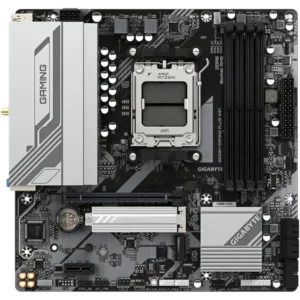
Motherboards connect your CPU, memory, storage, graphics card, and accessories, and choosing the right one decides how much performance, connectivity, and upgrade room your PC will have. For gaming builds, office PCs, business systems, and first-time upgrades, the right motherboard is the one that matches your CPU, fits your case, gives you the ports you need, and leaves room for the next upgrade. Pick the board that matches your CPU socket and your case size, then add DDR5 memory and an NVMe SSD. Not sure what fits? The PC builder only shows compatible parts. More Info for buyers.
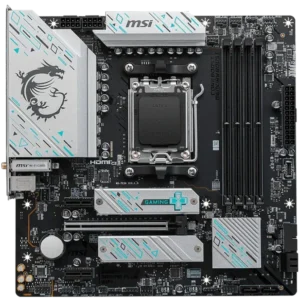
PN: B650M GAMING PLUS WF
$159 Original price was: $159.$139Current price is: $139.
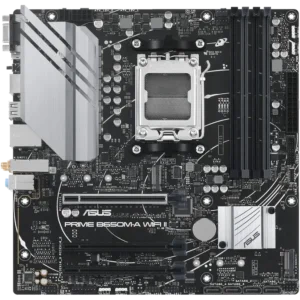
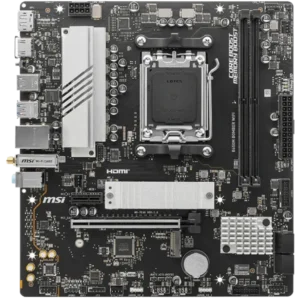
PN: PRIME B650M-A WIFI II-CSM
$159 Original price was: $159.$149Current price is: $149.
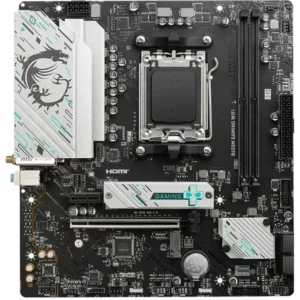
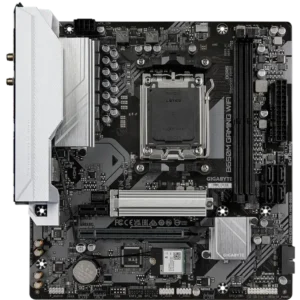
PN: B650M GAMING WIFI
$159 Original price was: $159.$149Current price is: $149.
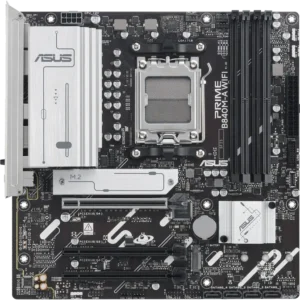
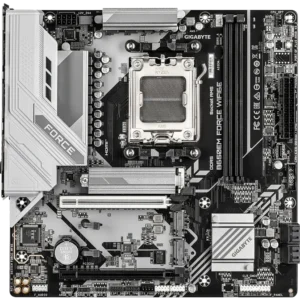
PN: B650EM FORCE WF6E
$159
IN STOCK
PN: PRIME B840M-A WIFI-CSM
$179 Original price was: $179.$169Current price is: $169.
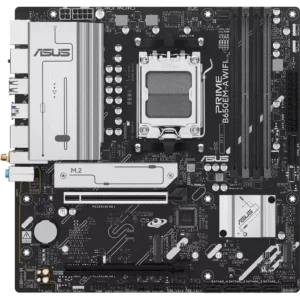
PN: PRIME B650EM-A WIFI
$179 Original price was: $179.$169Current price is: $169.
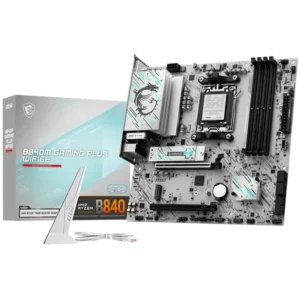
PN: B840M GAMING PLUS WIFI6E
$199 Original price was: $199.$179Current price is: $179.
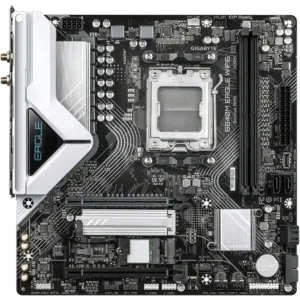
PN: B840M EAGLE WIFI6
$209 Original price was: $209.$189Current price is: $189.
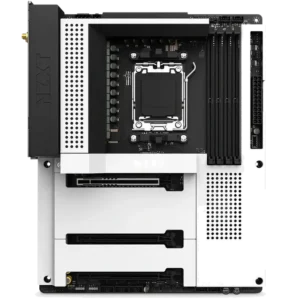
PN: N7-B65XT-W1
$299 Original price was: $299.$199Current price is: $199.
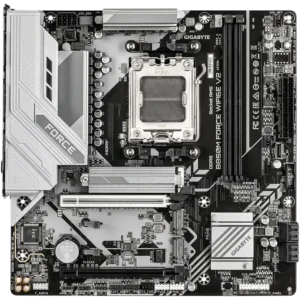
PN: B850M FORCE WF6E V2
$199
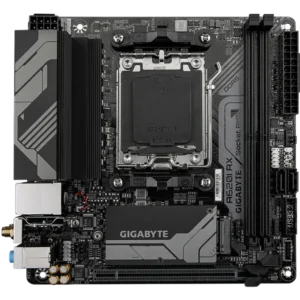
OUT OF STOCK
PN: A620I AX
$229 Original price was: $229.$209Current price is: $209.
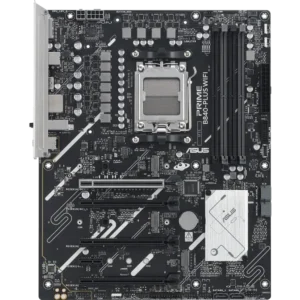
PN: PRIME B840-PLUS WIFI-CSM
$249 Original price was: $249.$209Current price is: $209.
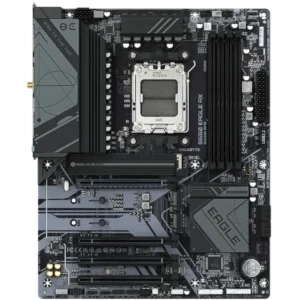
PN: B650 EAGLE AX
$239 Original price was: $239.$215Current price is: $215.
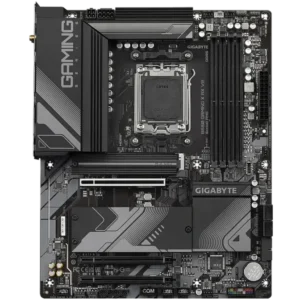
PN: B650 GAMING X AX V2
$249 Original price was: $249.$229Current price is: $229.
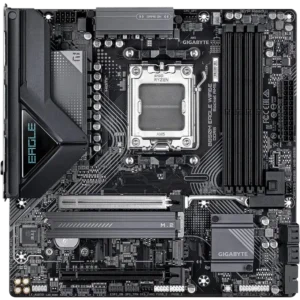
PN: B850M EAGLE WIFI6E
$239 Original price was: $239.$229Current price is: $229.
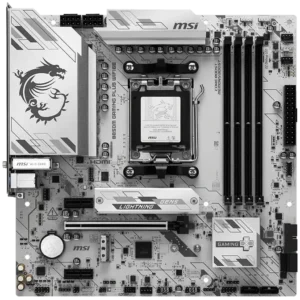
PN: B850M GAMING PLUS WIFI6E
$239 Original price was: $239.$229Current price is: $229.
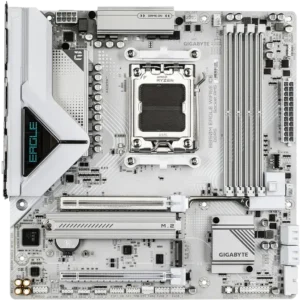
PN: B850M EAGLE WIFI6E ICE
$279 Original price was: $279.$239Current price is: $239.

A motherboard does more than hold parts together. It changes what your system can do now and in the future. A better board can mean:
This is why two systems with the same CPU can feel different. A budget motherbord can be perfect for a simple home/office build. For Gaming PCs, Workstations or enthusiasts, opting for a motherboard with better VRM cooling, newer PCIe Generation Support and faster memory speed support can be a great choice to maximise performance now and be suitable for future CPU upgrades.
Start with the CPU, then match the motherboard socket:
Motherboard chipsets can be confusing but to summarise, the better motherboard chipsets offer more bandwidth to your CPU. How the bandwidth is taken advantage is different for every motherboard model. Some models, may allocate more bandwidth so the motherboard has more USB ports/Faster USB ports, more than one LAN port, more SSD slots or SATA connectors. One advantage to opting for a better chipset is these motherboards often include other features like more VRM cooling and better power designs. The easiest way to make a decision is to pick a chipset that is suitable for your most intensive use case and includes the features you need. You can refer to the following for a basic summary of the mainstream chipsets below.
When choosing a motherboard, it is important to make sure it will physically fit in your case. If you have a specific case you want to build your system in, make sure to pick the right size motherboard, especially if you’re building a smaller PC. Common Motherboard sizes are as follows:
It’s important to make sure your motherboard will support all of your case connections. Make sure to check the following:
Picking memory that is compatible with your CPU & motherboard is a bit trickier than picking the correct version of DDR4 or DDR5. Checking the motherboards QVL (qualified vendor list) will show a list of memory kits that are tested to work and how many RAM DIMMs are rated to work. You can also check the product page for the RAM to check which motherboards are tested to work with that kit. Picking a kit of memory that isn’t on the QVL for your motherboard often results in system not posting, blue screens in windows, issues using XMP/EXPO profiles.
Â
Consider how you plan to connect your PC to the internet.
If you have chosen a CPU with onboard graphics AND don’t plan to use a dedicated graphics card, you will want to choose a motherboard with enough display outputs for your monitors. If you are using a dedicated graphics card, you don’t need to worry about what display outputs your motherboard has, as you should connect your displays to the dedicated graphics card.
Sometimes, yes. If the new CPU uses a different socket, you will likely need to update your motherboard and potentially memory. For example, upgrading from an AMD Ryzen 5 5600 (socket AM4) to an AMD Ryzen 9 9900X (socket AM5) means the new CPU will not be compatible with your old motherboard. AM4 motherboards all use DDR4 RAM and AM5 motherboards require DDR5 RAM so you would also need to buy a new motherboard and memory. Upgrading on the same socket is usually easier, as you can keep your RAM and motherboard, but you should always check your motherboards manufacturer website to make sure the new CPU is compatible. Chances are it will be, but your motherboard will need a BIOS update to communicate with the new CPU. Keep in mind if you are upgrading your CPU for a specific feature (like PCIe Gen5 support), the older motherboard also needs to support that feature, so you may need to upgrade the motherboard if you want a specific new feature of the new CPU.
For gaming, look for a motherboard that matches your CPU. If you’ve chosen a high-end CPU, consider a motherboard that includes a strong VRM design and has heatsinks to keep VRMs cool. This will ensure your CPU will operate at its optimal efficiency while under load. Also look for a motherboard that will include enough M.2 Storage incase you need to add more SSDs for or media. Check how many USB peripherals you have and make sure there are enough ports on the motherboard.
Check four fitlers first:
Make sure the motherboard you have selected is compatible with your memory. You can search the manufacturer page for your memory to see if it is compatible with this motherboard or search the memory model number on the motherboard manufacturer page under support > compatibility.
Enter Customer Details
Enter the customers details below to create a quote.