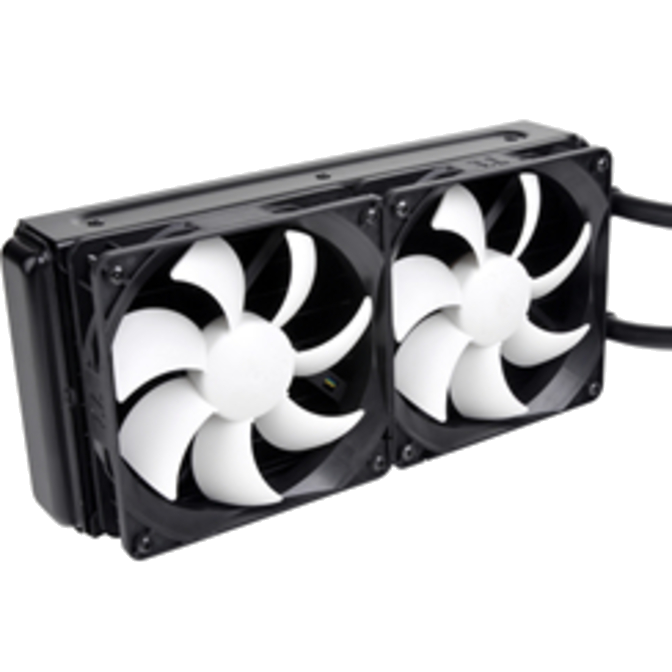


Features

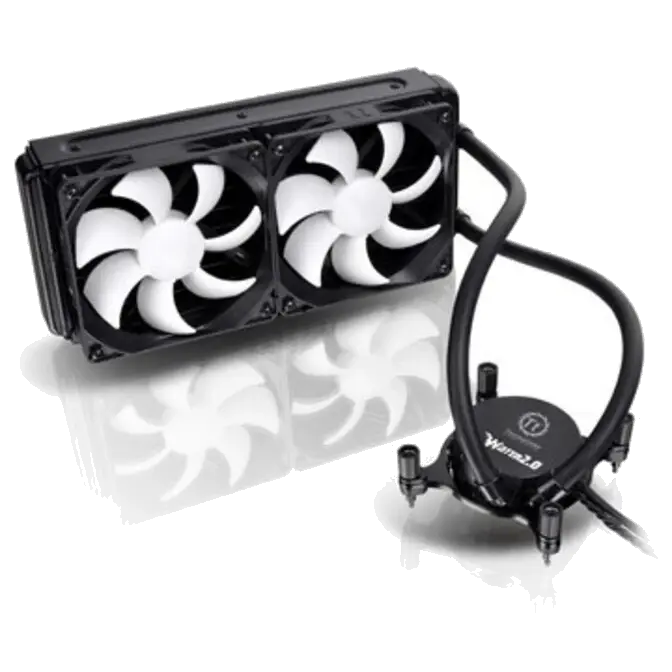
– Top of the line liquid cooler, equipped with Power and Performance. No Refills Needed.
– 240mm Radiator Doubles the Cooling Surface
– Universal Socket Compatibility
Detailed Features
Top of the line liquid cooler, Equipped with Power and Performance.
No Refills Needed.
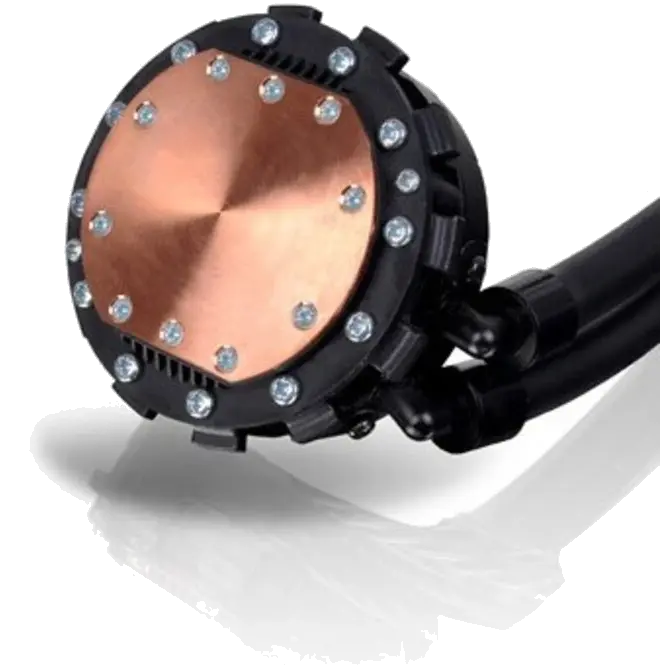
- High performance Copper base plate accelerates the heat conductivity.
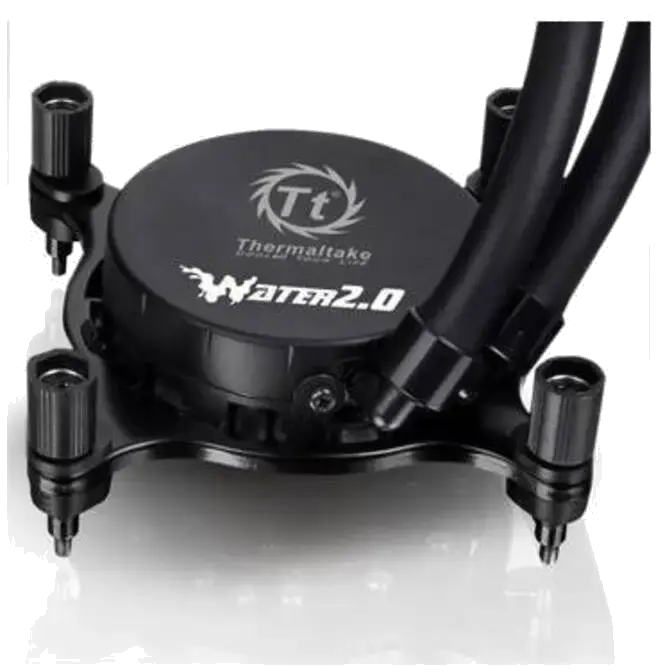
- High reliability low profile pump provides quick liquid circulation lowering the temperature.
- Pre-filled coolant reduces the liquid replenishment hassle.
- Low evaporation tube decreases the loss of coolant effectively.
- The high-tech sealed circulation system prevents leaking issue.
240mm Radiator Doubles the Cooling Surface
- Powerful fan blows the heat of radiator out to the chassis to maximize cooling performance.
- PWM control function fan spins between 1200~2000rpm, can be adjusted on fan control software .
- Easy and simple installation methods.
- Fan control software (included), users can control, monitor and customize according to their desires.
Universal Socket Compatibility & Accessory Package
- Universal socket support:
Intel: LGA2011, LGA1366, LGA1156, LGA1155,
AMD: FM1, AM3+, AM3, AM2+, AM2
 |
 |
 |
|
High Performance Waterblock |
High Reliability Pump |
High Efficiency Radiator |
 |
 |
 |
|
Powerful Cooling Fan |
Universal Socket Compatible |
Fan Control Software |
Performance

Water 2.0 Series Installation Manual – Extreme
|
|||||||||||||||||||||||||||||||||||||||||||||||||||||||||||||||||||||||||||||||||||||














|
Water 2.0 Extreme Fan Control Operation |
|
 |
|
| 1. | After Complete installing and launching Fan Control software, it will display the Dashboard as the main interface. At this window it will show the information such as Liquid Temperature, Sound Level, Fan Speed and Pump Speed. |
 |
|
| 2. | Users may change the performance setting on the top-right corner. Under these settings, users can choose (starting from the left)
|
 |
|
| 3. | Users may choose Graph setting for different viewing type of performance statistic. |
 |
|
| 4. | Users can set their desire Fan Ramp Start Temp and Full Fan Speed Temp to Customize their desire performances. Also may choose the notification for both temperature and the fan speed. |
 |
|
| 5. | Users can choose the desire temperature display either in Celsius or Fahrenheit and run the program during the system start-up etc. In addition, users may change the color skin to Blue (Illustrated on the right) |