



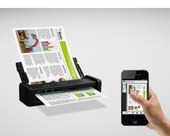
Mobile scanning made easy
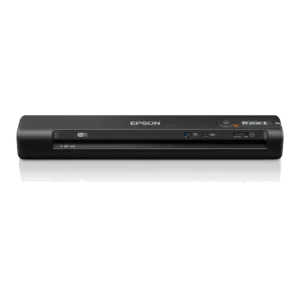
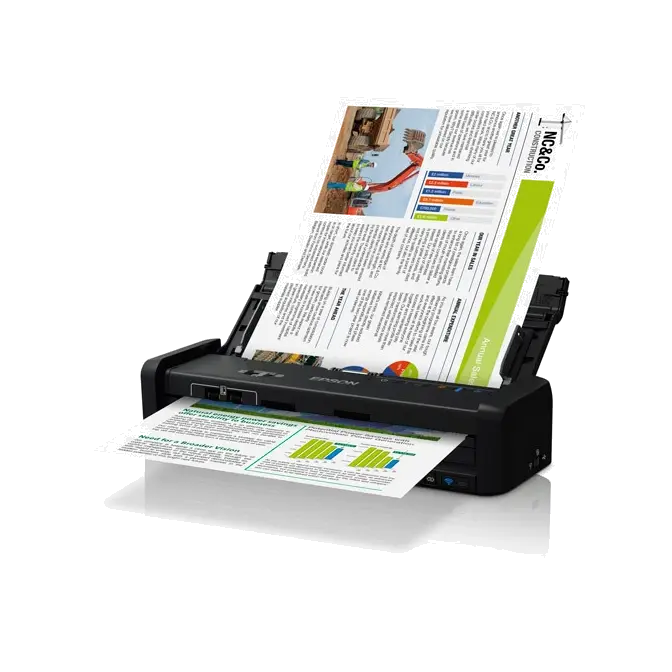
The DS-360W provides a cable-free scanning solution with a built-in battery and wireless connectivity for scanning to mobiles, tablets and computers. The scanner is a portable solution that allows scanning and management of paperwork while on the go. Its compact and lightweight design means that it’s ideal for carrying in a bag or even storing in a drawer. It can also be charged on the go via USB.
Fastest Scanning speed in its class3
Speed through paperwork with the fastest portable business scanner on the market with a scan speed of 25ppm1 and 20-page automatic document feeder. With Super Speed USB 3.0 connectivity, transferring files is quick too. It’s also possible to control the scanner from your smartphone or tablet with the free Epson Scan app.

Manage critical documents
The WorkForce DS-360W includes a TWAIN driver allowing for easy connection to document management software, additionally bundled software includes Document Capture Pro. This industry benchmark software handles a variety of scanning jobs with no hassle, including batch separation, editing and data transfer. It offers many "scan-to" options, such as "scan-to Email", "scan to print" and "scan to cloud". It's versatile functions expand data usability and online document workflow.
Document Image Adjustment Tools – Epson Scan 2
Among the numerous features built-in to the Epson Scan 2 Software is a range of document image adjustment tools, each of which has been designed to address a specific issue that typically detracts from scanned document readability. These tools include:
- Text Enhancement: This feature delivers greater definition of text characters and removes the document's background, thereby eliminating the problem of "see through" that often occurs when scanning double-sided documents. Importantly, this tool helps to improve the accuracy of text recognition software.
- Colour Enhancement: A flexible tool that enables selected colours to be enhanced during the scanning process. This is of particular value when a document contains colour or very light (as in a fax) text that might otherwise not be "picked up" by the scanner during text scanning.
- Dropout Colour: Similar in operation to Colour Enhancement, Dropout Colour allows users to specify a colour that is ignored during the document scanning process.