
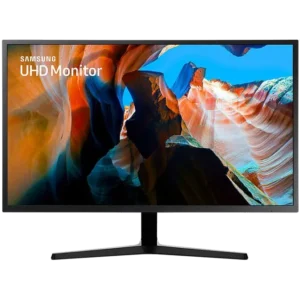


4K UHD IPS
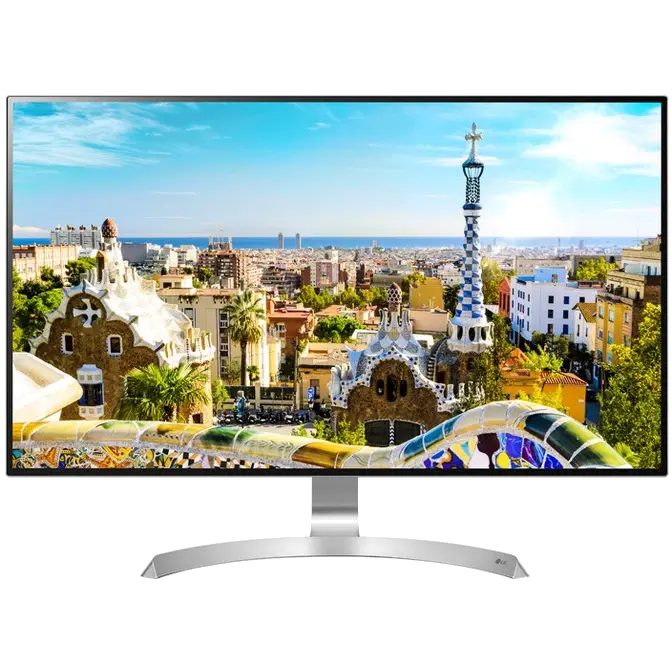
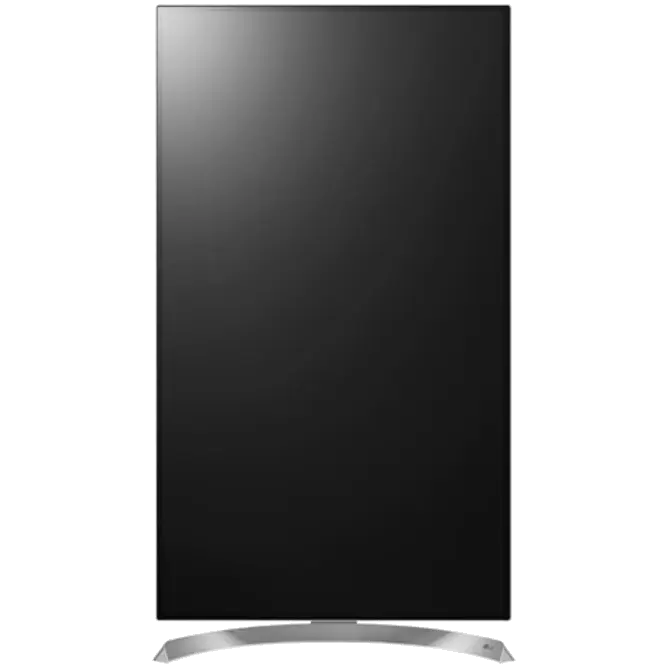
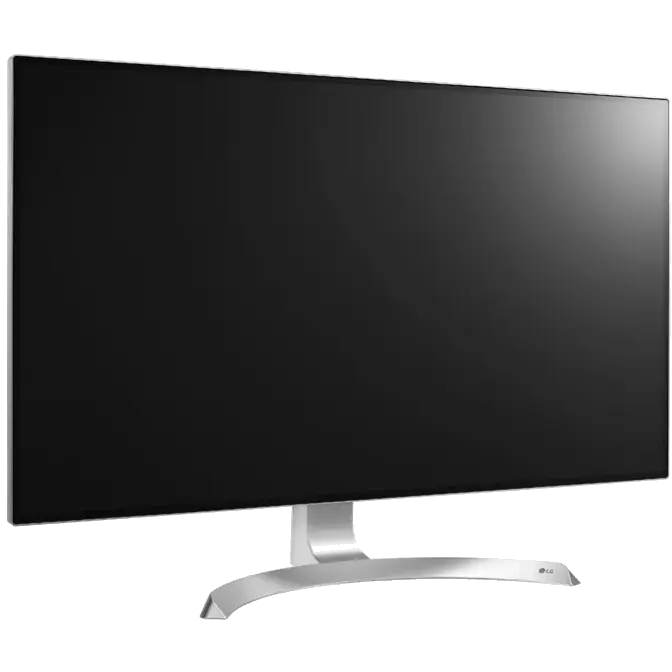
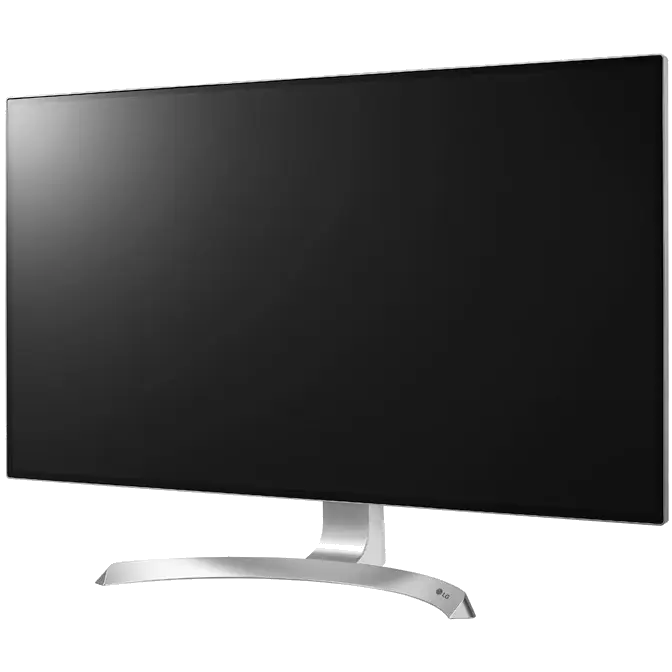
The 32UD99 16:9 display has an image resolution of 3840 x 2160* providing sharper picture quality. Its pixel density is 4 times higher than a Full HD monitor.
*UHD image with 16:9 aspect ratio and 3840×2160 resolution requires compatible content, device, interface or graphic card for full effect

HDR 10
To full realise content creators visions, this monitor is compatible with industry-standard HDR10 high dynamic range, supporting enhanced levels of colour and brightness detail that exceed the capabilities of SDR monitors.

USB Type-C
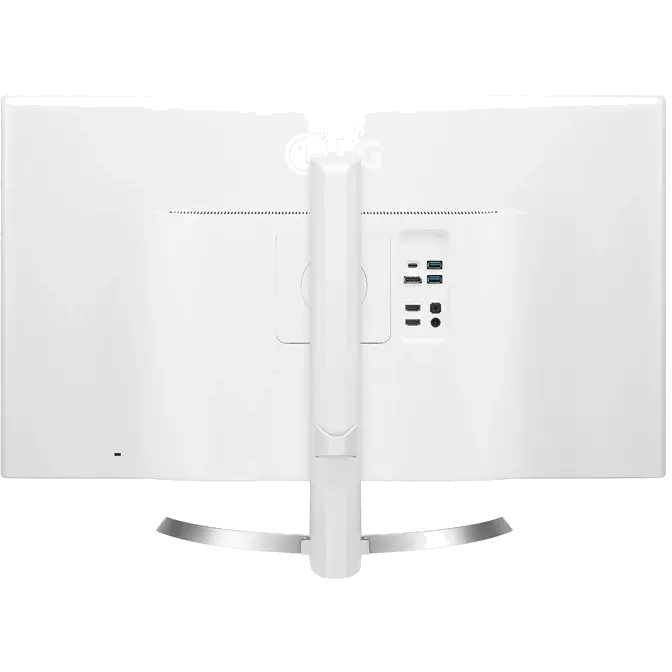
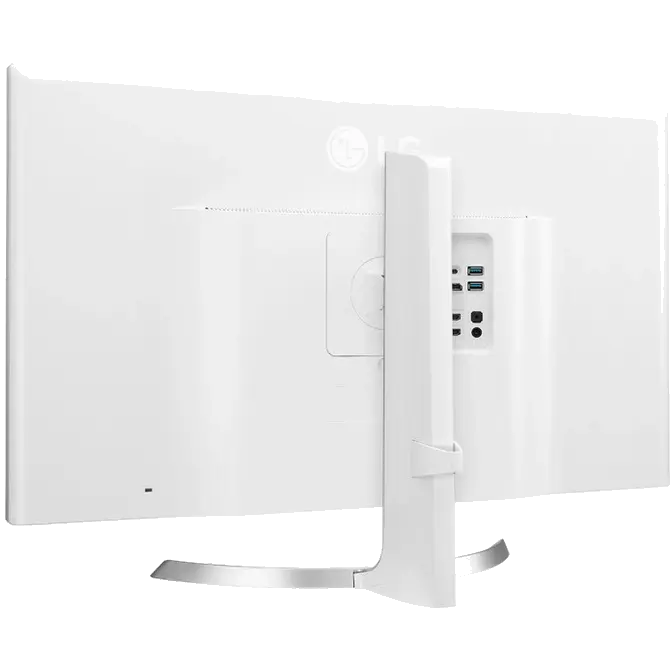
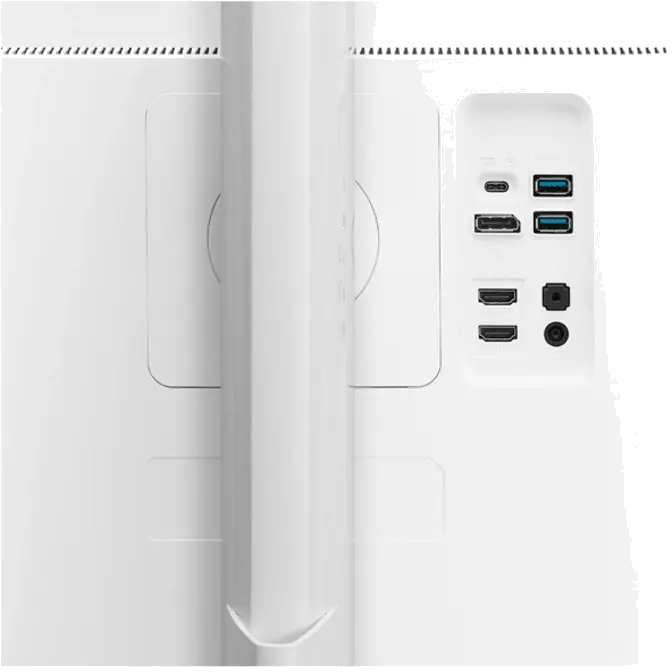
Display UHD 4K video, transfer data and charge* a laptop of mobile device, all at the same time using a single cable with USB Type-C™
*Compatible device required, USB3.1 C-C cable and C-A gender adaptor provided.

HDCP 2.2 Compatible
Connect with confidence: This LG 4K monitor is compatible with the HDCP 2.2 content protection, so it will display video from UHD 4K streaming services, game consoles and Ultra HD Blu-ray disc players.

DCI-P3 95 Colour Space
The LG 32UD99* monitor has DCI-P3 95% colour space support, making it possible to edit on-site footage with high fidelity colour expression. It allows for greater accuracy in shadow detail, colour saturation and brightness in the post-production stage.
*The 32UD99 requires compatible content, device, interface or graphic card for full effect.

Hardware Calibration Ready
Providing excellent fine-tuning capabilities for professionals, this model is designed to work with compatible calibration devices* that ensure precise adjustments of colour, brightness and more.
*Calibrator sold separately.

Ultra-slim Bezel
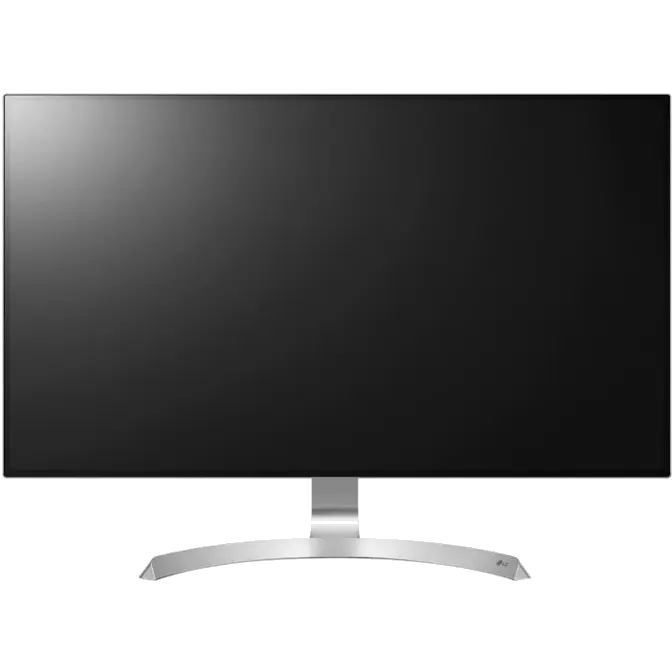
The ultra-slim bezel—a mere 1.3mm—on four sides of this streamlined display offers a near bezel-less visual experience, without detracting from the gorgeous image. A sleek addition to any desktop.

5 Watt Speakers with Rich Bass
Enjoy games with realistic stereo sound. With the built-in 5 watt stereo speakers, there is no need for extra speakers.

OnScreen Control
OnScreen Control allows you to simply navigate and modify your screen configuration using your mouse. My Display presets offer customised picture modes for specific OnScreen applications. It automatically selects the preset mode when you use the chosen application.

Screen Split
The Screen Split feature of OnScreen Control conveniently divides your screen from 2 to 4 customisable subscreens of your preferred size, without any overlapping of windows. Compatible with Mac® and Windows, it provides different screen ratios with a single click, making it simple and increasing your productivity.

Easy Set Up
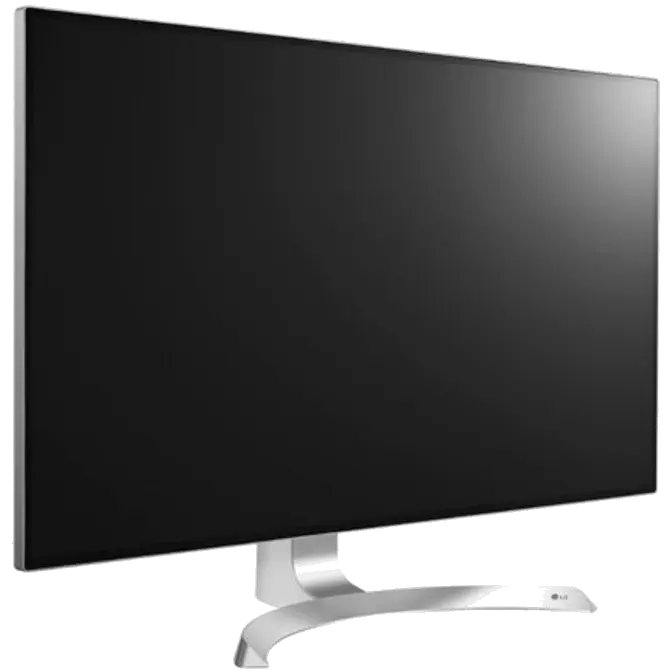
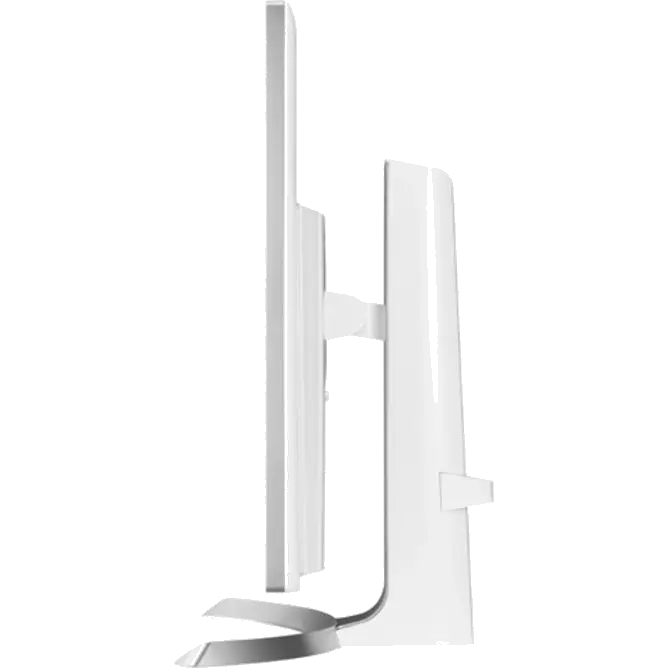
The LG Monitor's adjustable stand allows you to raise and lower the monitor, making it easier to find your preferred viewing position. The monitor also pivots 90 degrees, allowing you to view documents and images in either horizontal or vertical position.