 |
 BenQ BL2710PT is a SolidWorks Solution Partner Product |
|
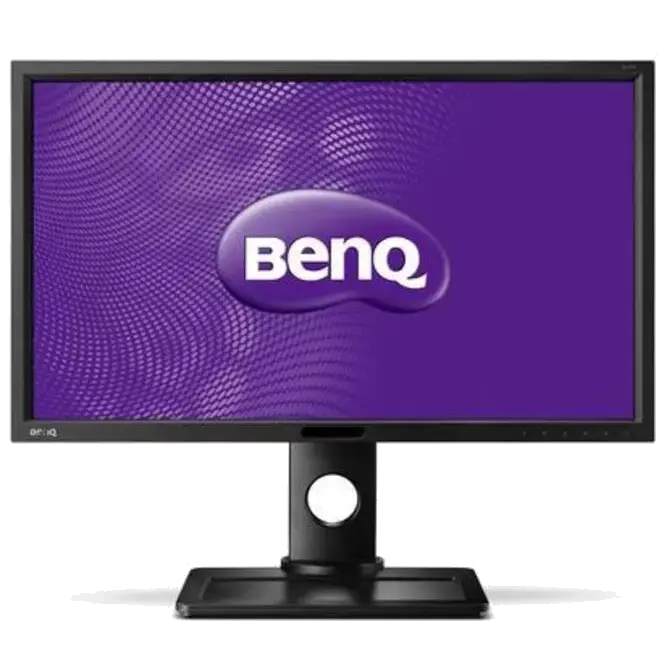
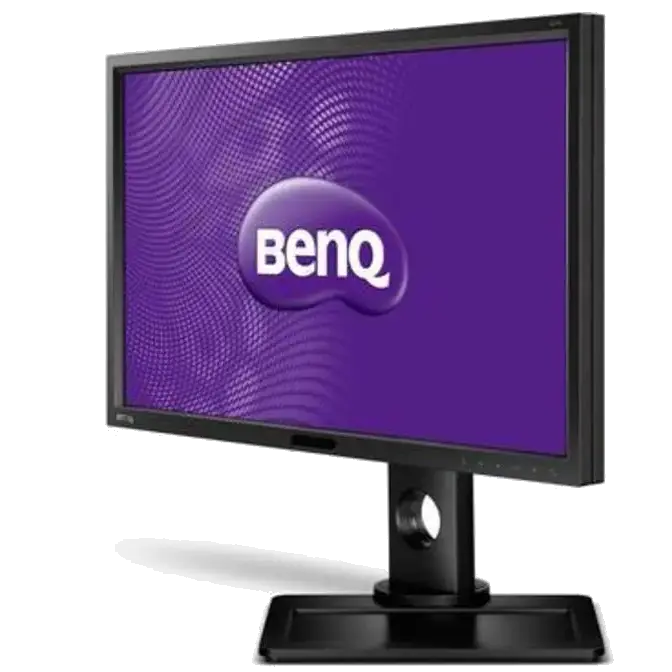
CAD/CAM Monitor – Never Miss A Line Again
Featuring a 27” 2560×1440 WQHD Flicker-free screen, 100% sRGB, DP, HDMI and USB3.0 ports, HAS with Display Pilot software and unique CAD/CAM Mode, which easily handles work with complicated object wireframes, this CAD/CAM monitor is bringing you optimal and holistic experience that turns your job into enjoyment.
|

|
|
|

|
27” Big screen and 2560×1440 WQHD High Resolution
With a 2560×1440 WQHD resolution you can enjoy over 77% more work space and higher ppi compared to conventional 1920×1080 FHD monitors. Having the extra working space means less scrolls for zooming in and out, and the higher ppi gives you a sharper and more precise viewing experience.
|
|
CAD/CAM Mode for Precision design
The unique CAD/CAM Mode is specially designed to enhance work efficiency and reducing eye fatigue for all CAD/CAM users. By making the color contrast higher, every displayed line will be perfectly distinguished. With BenQ CAD/ CAM Monitors, you will never miss a line again in your designed work.
|

|
|
Great Color monitor with AHVA Panel & 100% sRGB
With the BenQ’s advanced AHVA panel and 100% sRGB screen technology, every color is delivered with the finest precision in every detail and at every possible viewing angle. Get and share a professional viewing experience.
|
 |
|
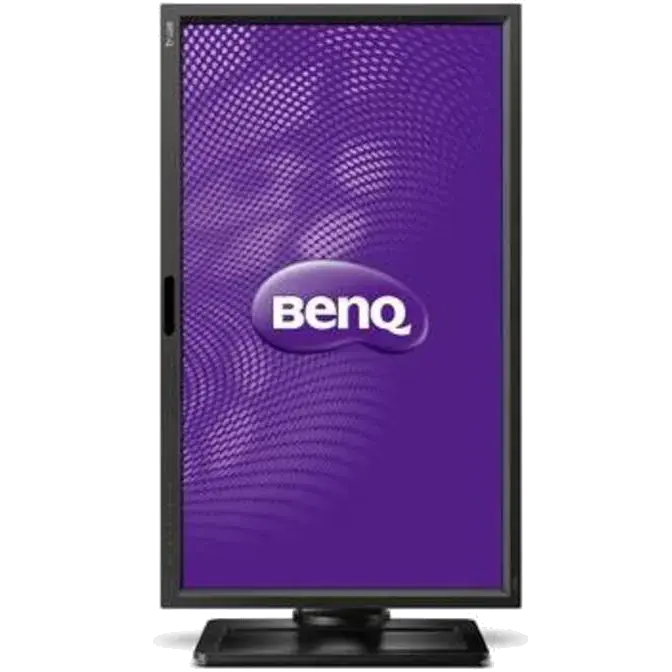
Rotate screen and Desktop Partition with Display Pilot Software
Auto Pivot detects the rotation of the monitor and dynamically rotates displayed content automatically. All windows will be equally portioned and displayed on the screen when clicking on the Desktop Partition icon, which allows you to compare all design works with just, one simple click.
|
 |
|
Present Mode
Render on Projector – Let your monitor and projector talk to each other. Present Mode simulates the color, contrast, and brightness of projectors for less difference between projector and monitor. Show off your design work in the color that you intended for excellent and precise presentations. *Present Mode function is best supported with BenQ MX660 projector
|
 |
|
Slim Bezel for Dual monitor setup
The slim bezel makes the monitor look lighter and larger. In a multi-display setup with two or more units, thin bezels are less intrusive and effectively expand your work-space.
|
 |
|
USB 3.0
2xUSB 3.0 ports on the side of the screen effortlessly brings all your content together in one convenient package. USB 3.0 provides super-speed data transmissions.
|
|

| Non Flicker-free Monitor |
|
Flicker-free Monitor |
|
Flicker-free
The Flicker-free technology eliminates flickering at all brightness levels and effectively reducing eye fatigue. Conventional LCD screens flicks 200 times per second. Your eyes may not see flickers, but they can certainly feel them. Free your eyes from flickers by switch to CAD/ CAM Monitors and let your eyes do less work while you are working on CAD/ CAM designs.
|
|
Ergo Monitor – HAS
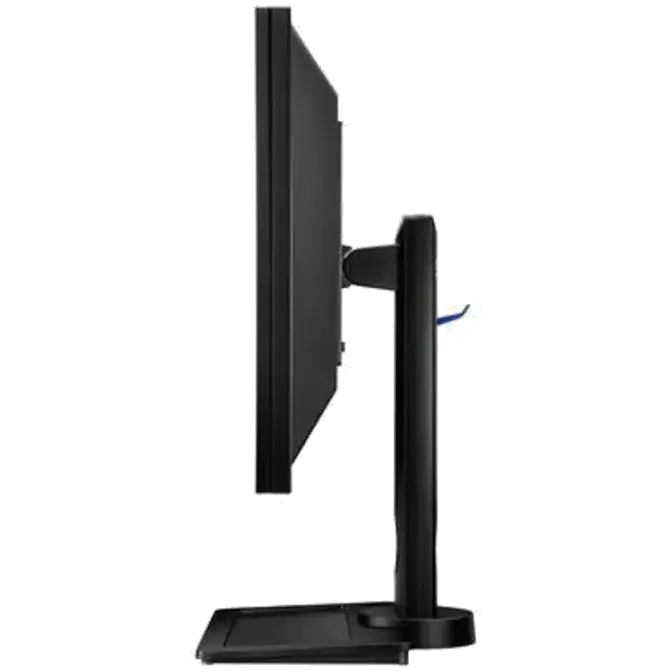
An extensive range of monitor adjustments – height, tilt, pivot, stroke and swivel – tailor your own unique working station that is best suited for your height and viewing habits with a maximum 150mm distance between the screen bottom and the base.s
|
 |
|
Reading Mode
Corporate users are frequently required to read documents from a monitor. Reading Mode adjusts the screen brightness, contrast ratio and sharpness to make your eyes feel as easy as reading directly from hard copies without wasting any paper.
|

|
|
Eye Protect Sensor
Ambient light levels are automatically detected to help adjust the monitor brightness throughout the day for optimized clarity and viewing comfort.
- • Monitor screen automatically brightens in brightly-lit or bright ambient light settings.
- • Monitor screen automatically dims in dimly-lit or dark ambient light settings.
The Smart Reminder feature reminds you to take a break from staring into the computer screen at preset intervals of 20, 40, 60 and 100 minutes.
|

| |
Monitor screen automatically brightens in brightly-lit or bright ambient light settings. |
|
Monitor screen automatically dims in dimly-lit or dark ambient light settings. |
|
|
|