


|
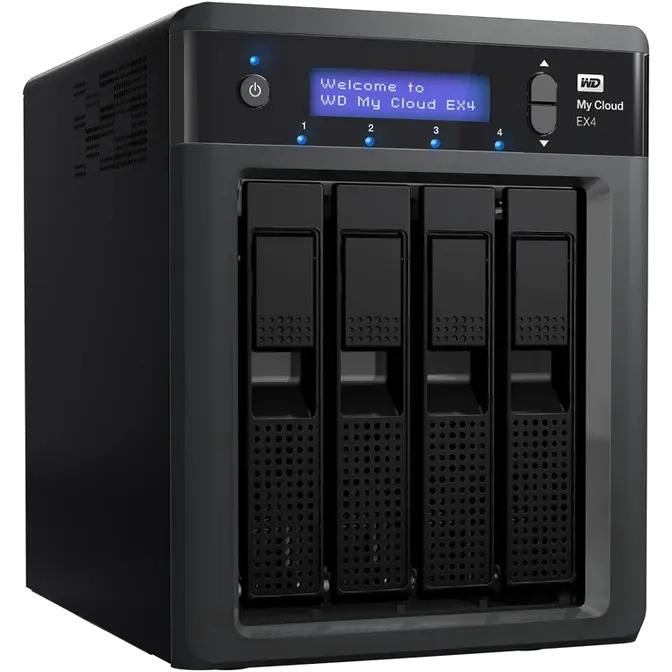
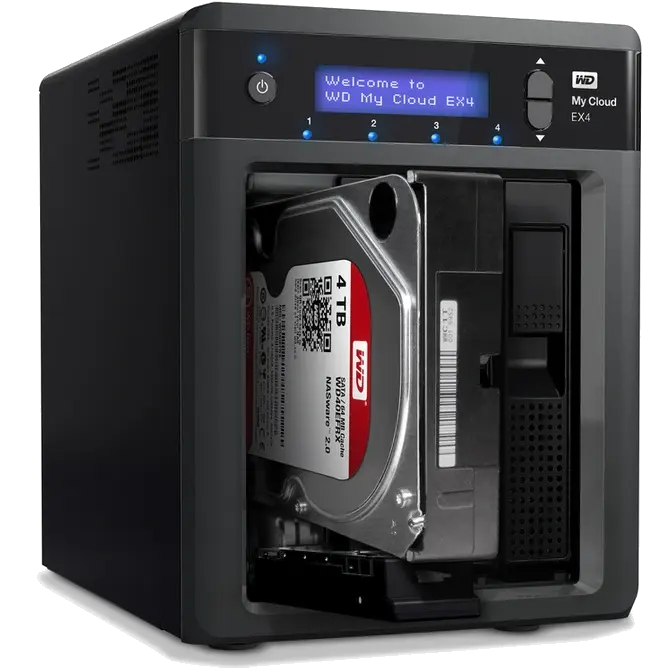
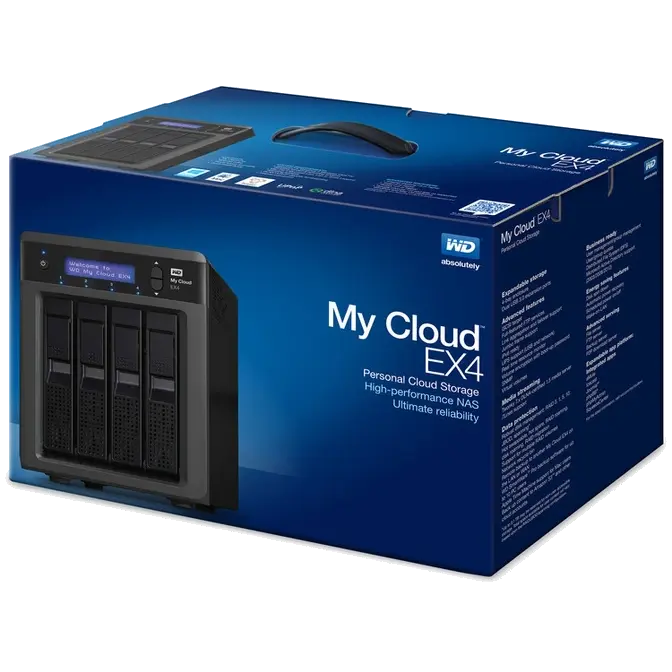
Your options are endless Choose the diskless enclosure with easy drive install and hot swap to effortlessly add up to four drives and grow as your needs expand. Or, choose a populated system that works right out of the box, featuring WD Red hard drives for ultimate compatibility in the unique 24×7 NAS operating environment. |
 |
||
|
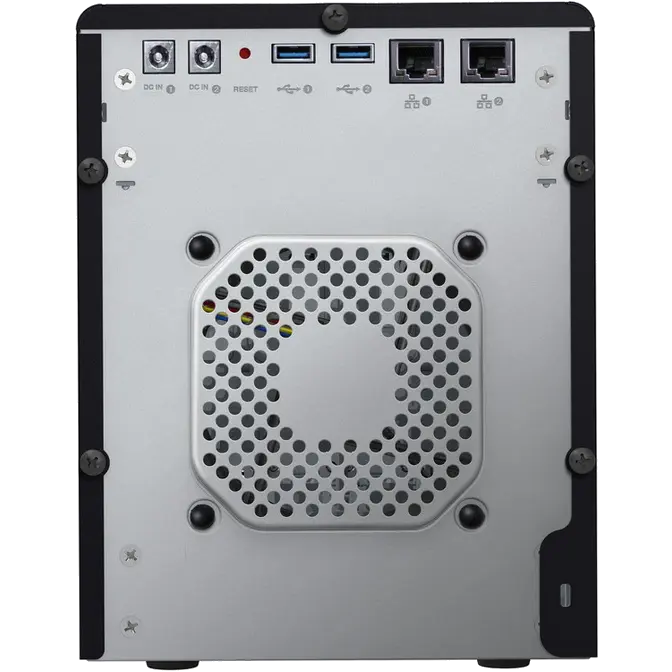
High-performance NAS Dual Ethernet and power supply ports; 512 MB memory and 2.0 GHz processor deliver reliable, blazing-fast performance for your home or small office. |
|||
|
Drive management and data protection at its best You're armed with multiple options to secure your data from loss. Choose RAID 0, 1, 5, 10 or select from spanning and JBOD modes for even more options to manage your data. |
 |
||
|
Award-winning desktop and mobile apps With WD's My Cloud mobile and desktop apps, you can upload, access and share your documents from anywhere. Conveniently transfer files from your public cloud accounts to My Cloud EX4 directly from anywhere with the help of the mobile app. |
|||
|
Easy to manage A powerful dashboard and LCD display means your system is always under your control. Monitor your drives, manage users and utilize energy-saving features. Email and mobile alerts keep you informed on My Cloud EX4 status. |
|||
 |
|||
 |
|||
|
Powerful apps to customize your NAS Featuring industry-leading apps, including aMule, Icecast, Joomla!, phpBB, phpMyAdmin and SqueezeCenter. |
|||
 |
|||
|
Stream media to your connected devices Stream videos and photos to connected TVs, media players, gaming consoles and other DLNA/UPnP devices. Features a Twonky 7.2 and a DLNA-certified 1.5 media server. And with My Cloud EX4's iTunes server, you can easily stream your music collection. |
|||
|
Advanced serving options Integrated file server, FTP server, backup server and P2P download server. |
 |
||
|
Back up, Protect your data with remote backup to another My Cloud EX4, integrated cloud backup or local LAN/WAN backup. PC users, WD SmartWare Pro offers options for how, when and where you back up your files for up to ten computers. Mac users, utilize all the features of Apple Time Machine backup software to protect your data. |
 |
||
|
Increase your personal cloud capacity Simply attach a compatible USB hard drive directly to one of the two USB 3.0 expansion ports on My Cloud EX4 and instantly expand your storage capacity. |
|||
 |
Integrated energy-saving features Save money on your energy bill with disk spin-down and scheduled power on/off. |
||
 |
Your own personal cloud Unlike public clouds, My Cloud EX4 allows you to keep all your content in one safe place on your home or office network instead of a remote server. No mysterious location of your data. No monthly fees. No limits. Just blazing-fast performance for your high-speed digital life. |
||