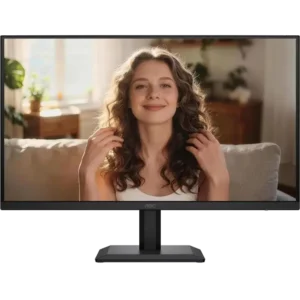
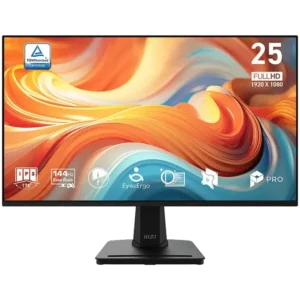
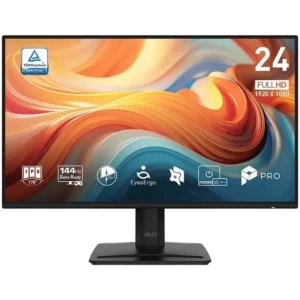
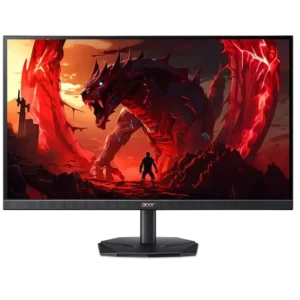
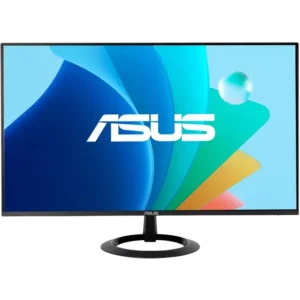
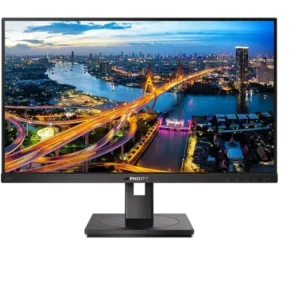
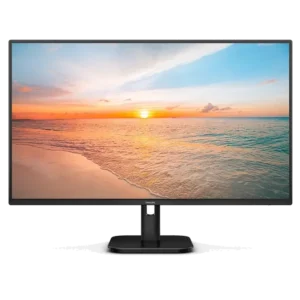
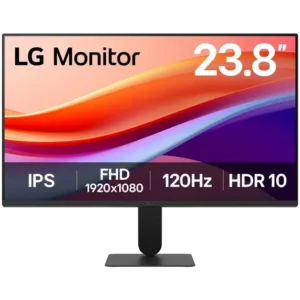
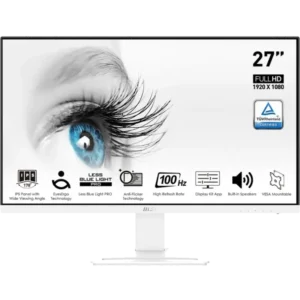
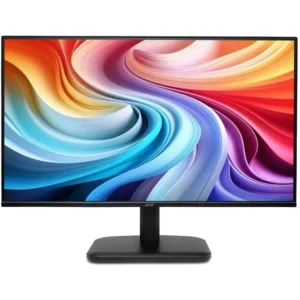
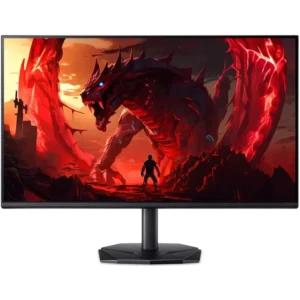
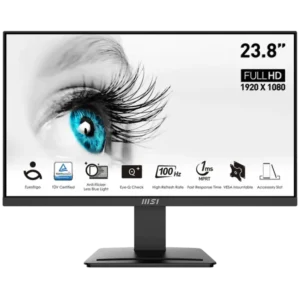
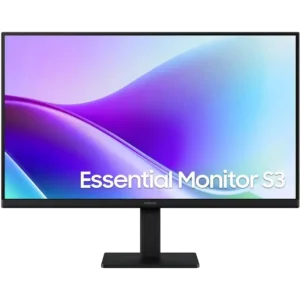
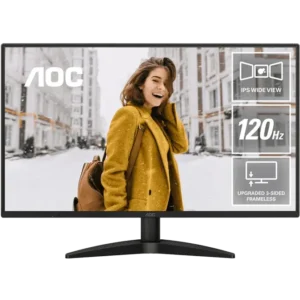
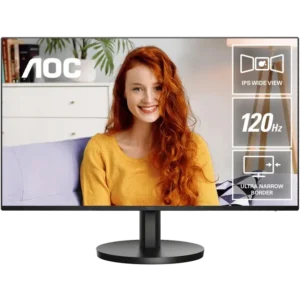
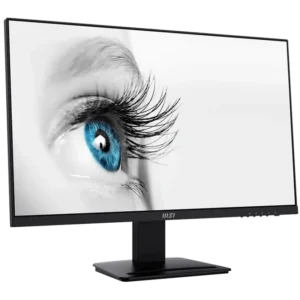
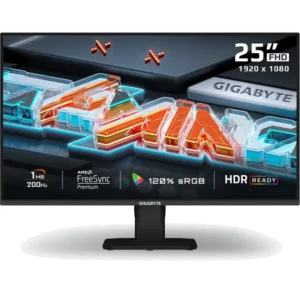
Explore our range of Monitors
Monitors come in many shapes and sizes, with different panels, resolutions, and refresh rates all for different purposes. You can follow this guide below to find the right monitor (or monitors) for your workstation.
Home & Business Monitors are designed for everyday tasks like web browsing, word processing, spreadsheets and other general workflows. Home & business users that are using their monitor for extended periods of time may want to consider options with higher resolution for better clarity and potentially built-in blue light filtering features to avoid eye fatigue. Other suggestions for these users are to consider height adjustable monitors, ultrawide monitors for heavy multitaskers or potentially multi-monitor setups.
Gaming Monitors are designed to deliver a smoother and more responsive experience, with refresh rate being one of the most important factors. Higher refresh rate displays allow on‑screen motion to appear smoother, which can make fast‑paced games feel more fluid and enjoyable. Gamers may also want to consider screen size, resolution, or curved displays for added immersion, especially when playing visually rich or fast‑action titles. Choosing a gaming monitor that complements both the type of games you play and your PC’s performance can significantly enhance the overall experience.
Professional Monitors are intended for users who rely on visual accuracy and consistency for creative or technical work. These monitors are commonly used for tasks such as graphic design, photo editing, video production, and CAD applications, where detail and colour representation are important. Users in these fields may benefit from higher resolution displays that allow more content to fit on screen, as well as monitors designed to present images and visuals more accurately. Screen size and aspect ratio can also play a role in improving workflow efficiency.
Portable Monitors are designed for users who need an extra screen while working away from a traditional desk setup. They are commonly used alongside laptops for travel, remote work, or temporary workspaces, providing added screen space for documents, emails, or presentations. Portability, weight, and ease of setup are key considerations for these monitors, along with screen size that complements your laptop without being cumbersome. They are a practical option for improving productivity while on the move.
What do all the monitor specs mean?
When looking at all the specifications of a monitor, it can be confusing to know what each spec means and if it’s relevant for your use case. The following should explain these terms.
Resolution
Resolution is the main factor when determining the clarity of your monitor. Higher resolution displays will usually result in text appearing sharger and more defined. In the current year, 1080p (also known as FHD/Full HD) is considered the standard resolution for up to 24″ monitors. Sizes 27″ and up can opt for 1080p displays, however the pixel density is lower meaning text may appear less readable. Opting for 1440p or 4k are recommended resolutions for 27″ sizes and up. It can be difficult to run games at 1440p or 4k resolutions if you have an entry level gaming PC, so you may need to change resolution or adjust graphics settings if opting for a high resolution display and playing games.
Monitor Size & Aspect Ratio
Monitors come in many different sizes and aspect ratios so it will really come down to what you are using your computer for and what you are more comfortable with. Standard monitor sizes have typically been 16:9 aspect ratio monitors but brands brands have continued to release a wide range of different sizes and aspect ratios allowing for lots of options. Ultrawide monitors with 21:9 or 32:9 aspect ratios have become a popular replacement for people who use 2 monitors as you get the extra screen width for multitasking and only need to connect 1 display to your computer. These monitors can range anywhere from 34inches and up. The extra screen real-estate can be great for everyday tasks along with workstation users.
Refresh Rate & Response Time
Refresh rate is the main feature to look for when shopping for a gaming monitor. 120Hz has always been the recommended starting refresh rate for a gaming monitor but it depends what games you are playing and how many frames per second your computer can render. If you’re playing esports titles, that benefit for quick response times, and your computer is able to render high FPS, you should consider a monitor with a higher refresh rate. 144hz – 240hz have become very popular and can range upwards of 500Hz for some models.
As for response time, there are two terms this can be measured in. GTG (Grey to Grey) refers to how quickly a new frame can be created. This is the most common measurement advertised with monitors. MPRT (Moving Picture Response Time) is another measurement which isn’t always advertised in the monitor specs but is still important. This measures how quickly old frames disappears. If new frames are generated quickly but they don’t disappear quick enough, this can lead to blurriness or seeing a trail behind moving objects (also known as ghosting). While not a perfect representation of response time, monitors with 1ms or less GTG response time will typically be reliable choice.
Panel Types
The panel technology used in a monitor plays a major role in image quality, responsiveness and overall viewing experience. Most modern monitors fall into four main categories: IPS, VA, TN and OLED, each designed to suit different needs and budgets.
IPS (In‑Plane Switching) panels are the most popular and versatile option. They offer excellent colour accuracy and the widest viewing angles, making high-end models well suited to creative work such as photo and video editing. IPS panels generally deliver strong colour depth and colour gamut performance, though their contrast ratios are typically lower than VA or OLED panels. High‑quality IPS monitors are widely used across business, creative and general‑purpose environments.
VA (Vertical Alignment) panels sit between IPS and TN. They offer better colours and viewing angles than TN panels and significantly higher contrast ratios, producing deeper blacks. VA panels are commonly used in curved and media‑focused monitors, making them a good choice for everyday use and movie watching. Their main drawback can be slower response times, which can cause motion blur or ghosting in fast‑moving content.
TN (Twisted Nematic) panels prioritise speed over image quality. They have the weakest colour accuracy and narrowest viewing angles, but they excel in refresh rate and response time. This makes TN panels popular for competitive gaming where fast motion clarity is critical. For most general users, however, TN panels are becoming less common due to their visual limitations.
OLED (Organic Light‑Emitting Diode) monitors represent a newer and premium category. Unlike LCD panels, OLED pixels produce their own light and can turn off completely, resulting in true blacks and an effectively infinite contrast ratio. OLED monitors deliver outstanding colour performance, extremely fast response times and wide viewing angles. However, they also come with trade‑offs, including high pricing, lower peak brightness compared to Mini LED displays, potential burn‑in risk with static content, and text clarity concerns on some models. OLED monitors are best suited to enthusiasts, gamers and content consumers who prioritise image quality over long hours of static desktop use.
There are also different OLED panel varients available:
- WOLED panels use an additional white subpixel to increase brightness. They are generally more affordable than other OLED types and tend to offer better text clarity, though colour saturation can be slightly reduced.
- QD-OLED panels use a blue OLED light source and a Quantum Dot layer to produce colours. This results in exceptionally vibrant and accurate colours, but text clarity can be weaker and pricing is typically higher.
- Tandem OLED panels stack multiple OLED layers to increase brightness, improve efficiency and extend panel lifespan. This technology addresses several OLED limitations but is currently very expensive and found mainly in high‑end displays.
Colour Terms Explained (Colour Depth, Colour Gamut & Contrast Ratio)
When evaluating image quality, these three specifications are especially important, particularly for creative work, gaming and media consumption.
Colour Depth: refers to how many distinct colours a monitor can display. Most monitors are 8‑bit, capable of showing around 16 million colours, while 10‑bit panels can display over 1 billion colours. Higher colour depth improves gradient smoothness and reduces banding. Some models use 8‑bit + FRC technology, which simulates higher colour depth at a more accessible price point.
Colour Gamut: describes the range of colours a monitor can reproduce, usually measured against colour spaces such as sRGB, NTSC or DCI‑P3. A higher percentage coverage means more vibrant and accurate colours. Wide colour gamut monitors are especially valuable for content creators and anyone working with colour‑critical applications.
Contrast Ratio measures the difference between the brightest whites and darkest blacks a monitor can display. Higher contrast ratios result in greater depth and detail, particularly in dark scenes. VA panels are known for strong contrast, while OLED panels take this further by producing true blacks through pixel‑level lighting control.