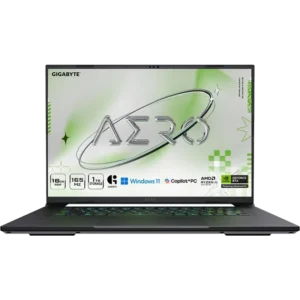
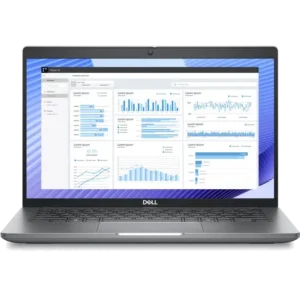
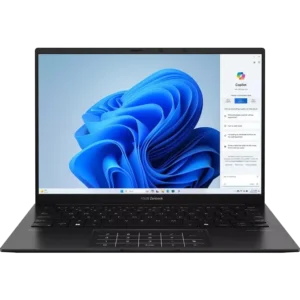
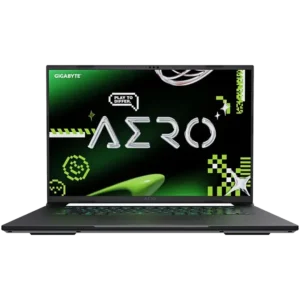
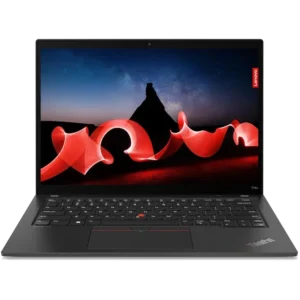
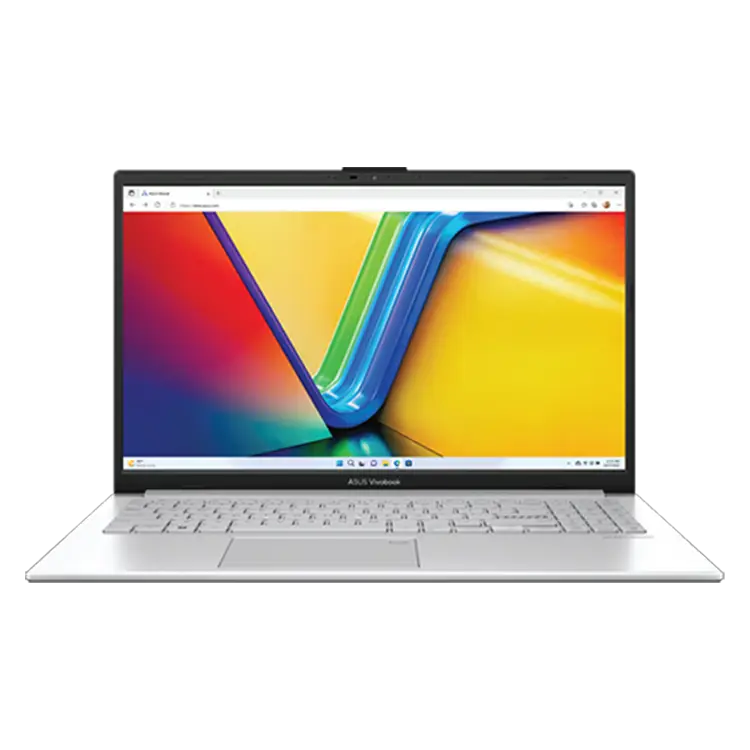
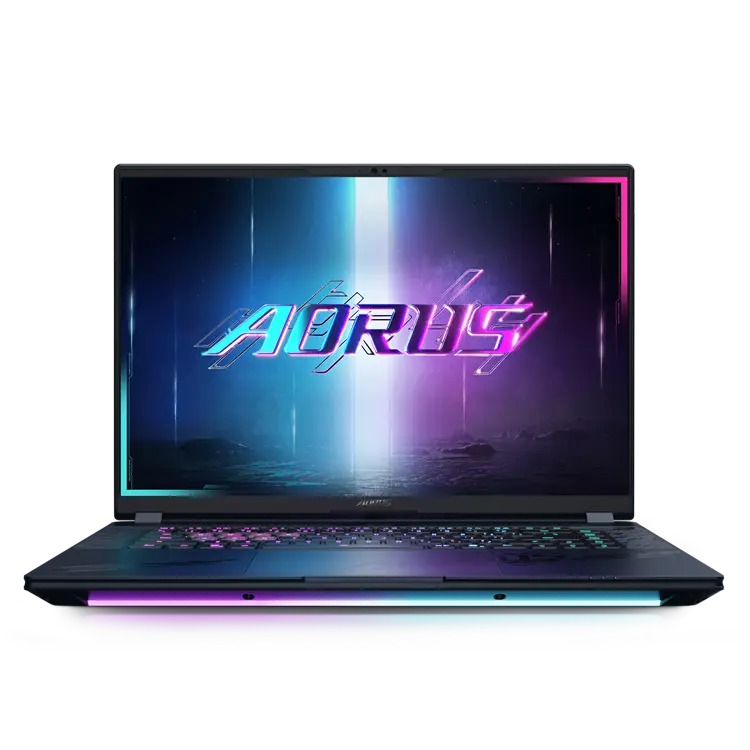
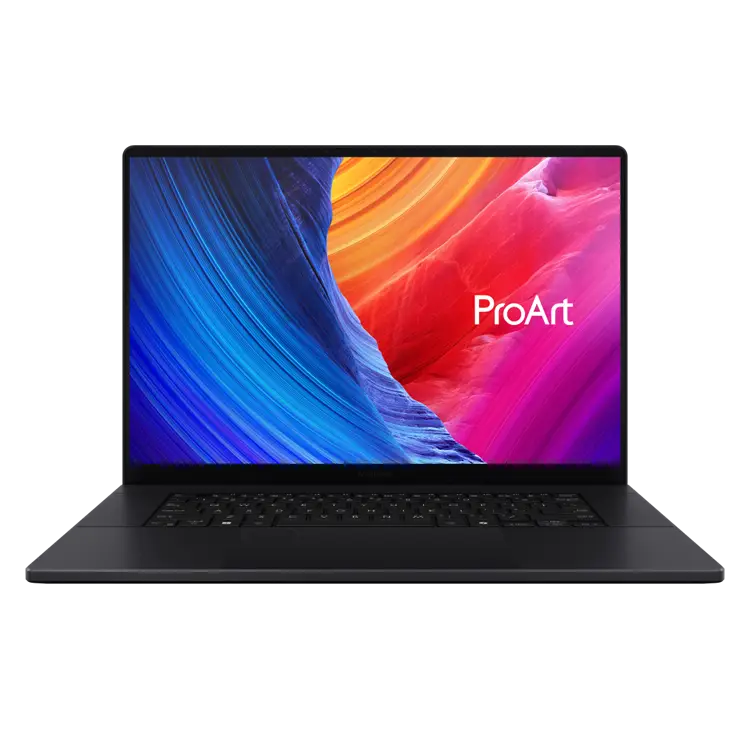
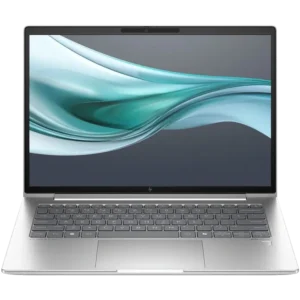
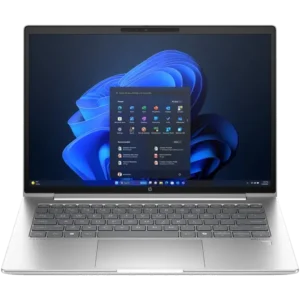
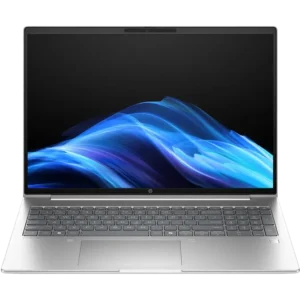
Explore Our Range of Laptops
A good laptop can be completely different for different people. Some people need a fast but portable computer with good battery life, some need a powerful workstation or gaming laptop that they can take with them on the go. No matter the use case, we have a device for you. The following are simplified examples to help you narrow down your selection of devices:
Home & Business Laptops
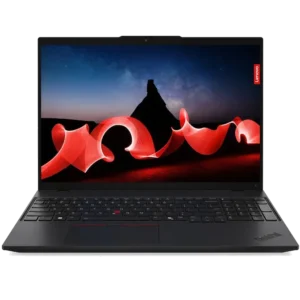
These devices are designed to handle everyday tasks, like web browsing, checking emails, and office software. Home & business laptops are generally slim and leightweight making them a good travel device. Important features to consider for this use-case can include good battery life, easy portability and a good webcam.
Student Laptops
Similar to home & business laptops, these devices are designed to handle everyday software and web browsing. Students prefer leightweight devices with a 12"-14" display, good battery life, current generation Wi-Fi standards. Students taking engineering or creative classes may also need to consider higher-end processors, more RAM and devices with dedicated graphics cards, depending on the applications being used.
Gaming Laptops
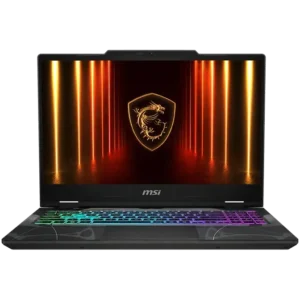
For the best portable gaming experience, gaming laptops will usually include more powerful processors, a dedicated graphics card, ample storage and high refresh rate displays. These laptops are built with superior cooling solutions to handle the constant load being put on the system while gaming. While considering these specs, gamers should also keep in mind battery life on these devices can be lower due to the higher power draw components used, so you may need to carry your charger with you.
Workstation Laptops
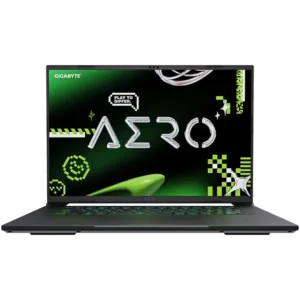
Workstation laptops often include a lot of the same features as gaming laptops which can sometimes make gaming laptops an option for potential workstation buyers. Things that may set a workstation laptop apart are More RAM and storage, professional dedicated graphics cards, and can favor colour-accurate, high resolution displays over fast refresh rates. Some workstation laptops are designed to be used in more professional environments, meaning they may be slimmer and have sleeker designs than some gaming laptops.
Key Laptop Features & Specs to Consider
Laptop Processors
Picking a laptop with the right processor can be tricky as there are models made for efficiency and models made for performance with similar names. A good starting point for everyday tasks like web browsing, office applications and studying is to go with a current / previous generation AMD Ryzen 5 or Intel Core 5 series processor. These will usually have 6 or more cores which is plenty for doing a few of these tasks at the same time. Laptops designed for gaming or workstation use will generally include performance processors which use more power but will offer better performance for games, CAD, editing or other creative tasks. These performance CPUs will often also include more cores and have much higher frequencies.
If you are considering a MacBook: Apple design their own processors and are known for their outstanding all-round performance in each tier. Apple 'A-series' processors are efficient processors offered in the entry level MacBooks, perfect for students and people doing every day tasks. Apple 'M-Series' processors are designed for everyday tasks but can handle more intensive workloads if needed. Apple 'M Pro / M Max' Series processors are designed for creators and workstation users who want industry leading performance. All Apple computer processors are notorious for being extremely efficient for on the go users.
Memory (RAM) & Upgrades
Students or everyday people using their laptop for basic tasks like word processing and a couple of browser tabs open, can consider 8GB RAM a good starting point. As you begin to have more applications and browser tabs open at the same time, 16GB very quickly becomes necessary. 16GB to 32GB is necessary for users that multitask, like to have a lot of applications open at the same time, are using some creative applications, or are playing modern games. Some intensive tasks like video editing, rendering and running local AI LLMs can require 64GB or more.
Depending on the model, some laptops include spare memory slots OR include regular RAM modules which means we can add-in or upgrade the laptops total memory capacity. Some devices have soldered or embedded memory meaing we cannot upgrade them. We try to let you know on our product pages if the laptop is upgradeable but please
Contact Our Team if you need some advice.
Storage & Upgrades
All modern laptops include at least one Solid State Drive (SSD) as their primary drive where Windows and your applications are installed. For students and basic users, 128GB is the minimum recommended starting point to ensure you can install the essential office applications and browsers. Going for an option with 256GB pretty quickly becomes necessary if you have more than a few programs and files you're working with. Gamers and workstation users will usually want at least 500GB storage to allow room for games, applications and projects your working on.
Many laptops include additional slots which allows us to upgrade the laptop by adding an additional drive. In some situations where the device doesn't have enough space to install an extra drive, we can often clone the existing drive to a larger capacity drive to replace the original drive and give you more storage. If you find a device you like but want more info about upgrading its storage, please
Contact Our Team.
Display Size, Resolution, Refresh Rate and Panel Types
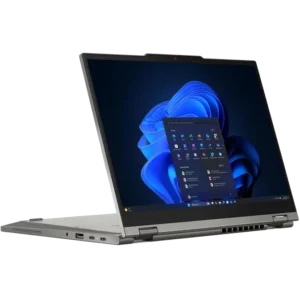
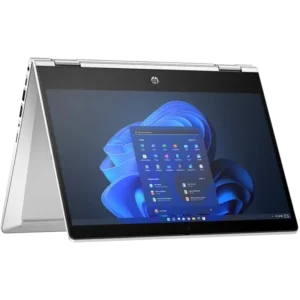
Smaller display devices are great students and people that need a portable device. These displays can also offer touchscreen and convertible 2-in-1 designs.
If you're playing games, you should consider a high refresh rate displays. Many modern gaming laptops include high refresh rate displays, but looking for 120Hz or higher is a great place to start. Gamers with mid to high end graphics cards might also want to consider higher resolution displays for extra eye-candy.
Workstation Users can benefit from high resolution displays by offering closer to source quality for video and photo. Creative users can also benefit from colour accurate displays with preconfigured Colour Gradings.
Battery Life
Choosing a laptop with the best battery life isn't always as easy as finding the largest battery possible. Laptops designed for everyday use or study will often include power efficient processors, designed to draw less power when handling basic tasks and continue to get more power efficient with each new generation.
Devices like workstation and gaming laptops often use more powerful processors and include graphics cards which draw more power than typical everyday laptop processors. There are features available on many modern gaming and workstation laptops which can help draw less power on battery when using your laptop for basic everyday tasks. Features like NVIDIA Optimus and AMD Smart Access Graphics allow the system to use the processors integrated graphics for everyday tasks and can switch to the high-performance graphics cards for intesive applications or games.
Since the launch of Apple M-Series Processors, Apple MacBooks have been highly regarded as the best option for people looking for a powerful productivity laptop for use at home or on the go. These MacBook's feature incredibly efficient processors while being very powerful.
Ports, Connectivity & Charging
All laptops include different ways to plug your device in to charge, connect your peripherals or external displays. The following things can help you consider which ports you need:
- Charging: Laptops will include a power adapter with a DC charging tip or will charge via a USB-C Power Adapter. Laptops with USB-C charging capabilities are typically found on power efficient laptops. More powerful laptops will usually include a DC power adapter as these can deliver more power to processors and graphics cards found in gaming laptops. While these devices do come with a DC power adapter, some models can still accept USB-C charging (usually at a much slower rate) which can be useful if you use a laptop dock to charge your device.
- USB Ports: Most laptops include a mix of USB-A and USB-C ports to plug in your peripherals, connect to a dock and much more. Speeds of these ports can vary depending on the laptop model but if you plan on using a laptop dock, considering a device with faster USB ports will give you more options for compatible laptop docks.
- Display Outputs: Almost all laptops include a way to connect your device to an external display. Many devices will include a HDMI port for simple direct connection to a display while some laptops offer DisplayPort (DP) over USB-C. This allows you to plug a USB-C adapter to convert to a wide range of display connections like HDMI, DisplayPort and more.
- Bluetooth: While plugging in a mouse or headset is simple, if you're always on the go with your laptop, bluetooth periperhals such as a mouse or headset can often be a good alternative for everyday users as there isn't anything to plug in. After pairing your devices once, you can just turn them on and start using them. Bluetooth is great for convenience, but adds additional latency so can be worse for gaming.
Laptop Buying FAQs
What type of laptop should I choose?
Think about the most intensive thing you'll be using the laptop for. If the laptop will be used only for work or study, look for a portable device that will be efficient, lightweight and will have good battery life. For modern games, a laptop designed for gaming will give you the best performance, cooling and features. For rendering, CAD and content creation, consider workstation laptops as these will usually feature powerful components, sleek professional design and extra features like thunderbolt. Gaming Laptops can also be suitable for many of the same workstation tasks as the hardware required for these tasks are similar or the same.
What specs are important when buying a laptop?
The primary specs to look at are processor performance, RAM, storage, display, battery life and connectivity. If you travel a lot, weight and battery life are more important. If you game or use intensive software, faster processors, dedicated graphics and cooling matter most.
Which laptops are best for students?
Students will usually always benefit from a portable, efficient laptop that balances price, battery and everyday performance. Pairing your laptop with a protective sleeve or backpack designed for students is always a good idea to help prevent accidental drops and damage.