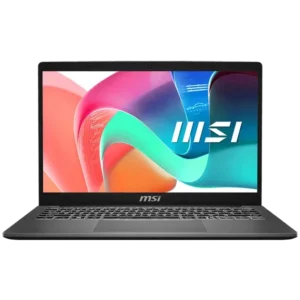
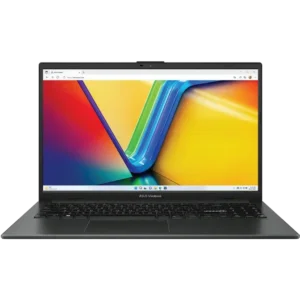
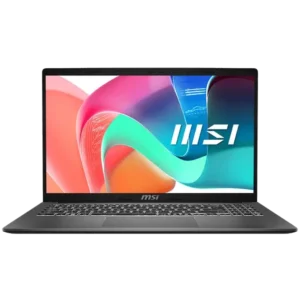
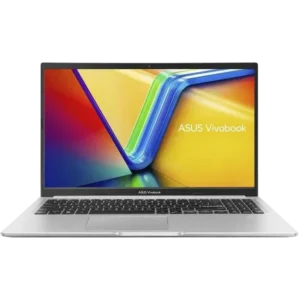
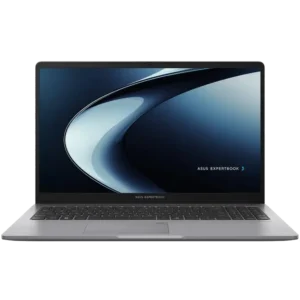
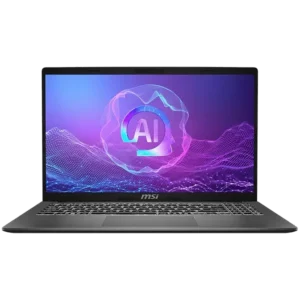
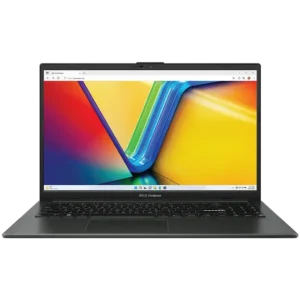
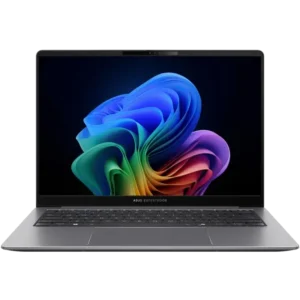
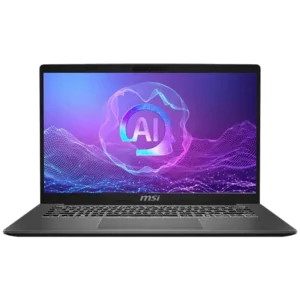
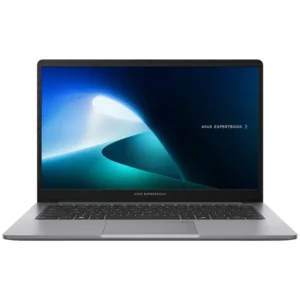
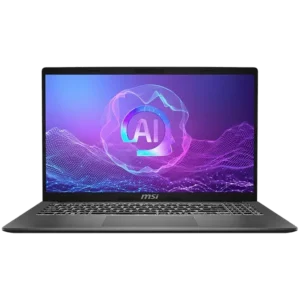
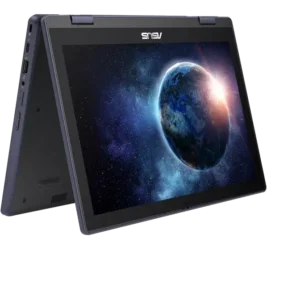
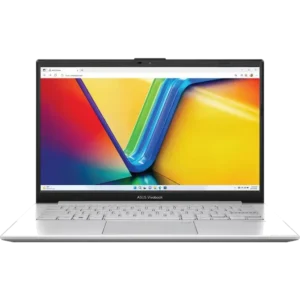
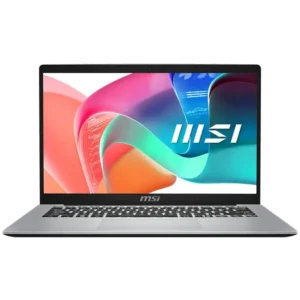
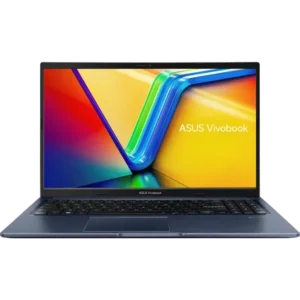
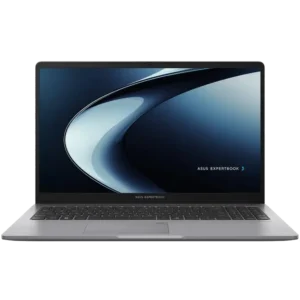
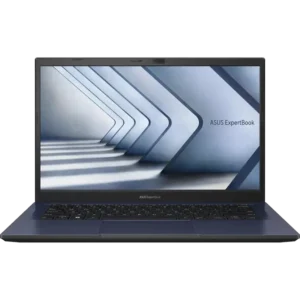
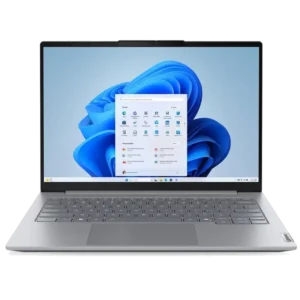
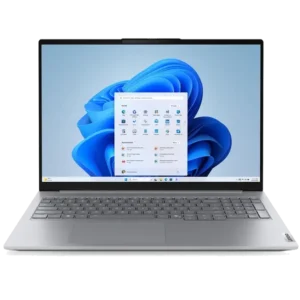
Explore Our Range of Home & Business Laptops
Home & business laptops are designed for the tasks most people use a computer for every day — web browsing, emails, office applications, video calls and streaming. This category also includes laptops well suited for students, where portability, battery life and value are just as important as performance. Whether you're working from home, studying at uni, taking your laptop into the office or just need a reliable everyday computer, the right device comes down to balancing performance, portability and the features that matter most to you.
Processors (CPUs)
For everyday tasks like web browsing, office applications, video calls and study, a current or previous generation AMD Ryzen 5 or Intel Core 5 series processor is an excellent starting point. These typically offer 6 or more cores, which is more than enough to handle multiple tasks at the same time without slowing down. If you need a bit more headroom for heavier multitasking, running multiple applications simultaneously or occasional use of more demanding software, stepping up to a Ryzen 7 or Intel Core 7 processor will give you better performance.
Memory (RAM)
8GB of RAM is a reasonable starting point for basic tasks like word processing, light web browsing and checking emails. However, as soon as you start opening more browser tabs, running multiple applications or joining video calls, 16GB becomes necessary and is what we'd recommend for most home, business and student users in 2025–2026. If you tend to multitask heavily or use any creative applications alongside your everyday workflow, 32GB will give you extra breathing room. Depending on the model, some laptops include spare memory slots or use standard RAM modules, which means we can upgrade the total memory later. Other devices have soldered or embedded memory that cannot be upgraded after purchase, so it's worth checking before you buy. We try to let you know on our product pages if the laptop is upgradeable but please Contact Our Team if you need some advice.
Storage
All modern laptops include at least one Solid State Drive (SSD) as their primary drive where your operating system and applications are installed. For students and light users, 256GB is the minimum we'd recommend to comfortably fit your operating system, office applications, browsers and a reasonable number of files. If you work with larger files, keep a lot of documents or install more than a handful of applications, 512GB will give you a lot more flexibility and is the sweet spot for most home and business users. Many laptops in this category include an additional M.2 slot, which allows us to add a second drive for extra storage. In some cases where there's no room for an additional drive, we can clone your existing drive to a larger capacity SSD to replace the original. If you find a device you like but want more info about upgrading its storage, please Contact Our Team.
Display Size & Type
Display size is one of the biggest factors in how portable your laptop feels. 12" to 14" displays are ideal for students and anyone who carries their laptop regularly. They're lightweight, fit easily into a backpack or bag and are comfortable to use in tight spaces like lectures, cafes or on public transport. 15" to 16" displays are the most common for home and business use, offering a good balance of screen real estate and portability. 17" displays are great if your laptop will mostly stay at a desk or you want as much workspace as possible, but they do add noticeable weight and size.
Battery Life
Battery life is often one of the most important factors for home, business and student users, especially if you're regularly away from a power outlet. Laptops in this category are designed with efficiency in mind, using power-efficient processors that draw less power during everyday tasks. A good home & business laptop should comfortably last a full work or study day on a single charge. Look for models that advertise 8 hours or more of battery life as a starting point, keeping in mind that real-world usage can vary depending on screen brightness, the applications you're running and whether you're connected to Wi-Fi.
As new generations of processors release, they are becoming increasingly power-efficient. If battery life is an important factor, opting for a current generation CPU may be the best choice.
Ports, Connectivity & Charging
Having the right ports can save you from carrying adapters and dongles. Here are the key things to consider:
- Charging: Many home & business laptops charge via USB-C, which is convenient because you can often use the same charger for your laptop, phone and other devices. Some models still include a traditional DC barrel charger, but USB-C charging is becoming the standard in this category.
- USB Ports: A mix of USB-A and USB-C ports is ideal for plugging in peripherals like a mouse, external storage or a USB headset. If you plan to use a laptop dock at a desk, having at least one fast USB-C port (Thunderbolt or USB4) will give you the most options for compatible docks.
- Display Outputs: Most home & business laptops support external displays via HDMI or DisplayPort over USB-C, making it easy to connect to a monitor at your desk for extra screen space.
- Wi-Fi Standards: Look for laptops with current generation Wi-Fi standards (Wi-Fi 6E or Wi-Fi 7) for the best wireless speeds and reliability, especially in busy environments like offices, universities or shared spaces.
- Bluetooth: is standard and allows you to connect wireless peripherals like a mouse, keyboard or headset without using a USB port. This is great for keeping your setup clean and portable.
- Webcam: If you regularly take video calls for work or study, a good built-in webcam is worth paying attention to. Many modern laptops now include 1080p webcams with improved low-light performance, which is a noticeable step up from the 720p cameras found on older or budget models.
Home & Business Laptop FAQs
What's the difference between a home & business laptop and a gaming or workstation laptop?
Home & business laptops are built around efficiency, portability and battery life, using processors designed to handle everyday tasks without drawing excessive power. Gaming and workstation laptops include dedicated graphics cards, performance-class processors and larger cooling systems for demanding applications, but are heavier, have shorter battery life and are usually more expensive. If your most intensive tasks are office applications, video calls and web browsing, a home & business laptop is the right fit.
Are these laptops suitable for students?
Absolutely. Home & business laptops are one of the most popular choices for students because they offer the right balance of portability, battery life and everyday performance at a range of price points. Students who need to run more demanding software for engineering or creative courses may need to consider laptops with more RAM & dedicated graphics.
How much RAM do I need for everyday use?
8GB is a workable starting point for very light use, but 16GB is what we recommend for most people in the current year. It gives you comfortable headroom for multitasking, video calls and having a reasonable number of browser tabs open at the same time.