Picking the right Graphics Card
Graphics Cards for Gaming
The key factors to consider when choosing a GPU for gaming are your monitors resolution and the type of games you’re playing. If you know what games you want to play, you can usually find the recommended requirements on the games website or store page. Esports titles are usually not very intensive and can be run on entry level hardware. If you want to play more intensive Triple-A titles, or want to play Esports titles at higher frame rates, considering a mid to high-end graphics card will usually offer a better experience, especially with higher resolution monitors.
Graphics Cards for Workstations
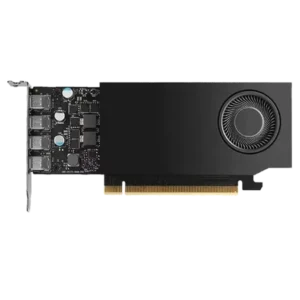
Workstation workloads can vary quite a lot, so there isn’t always one solution that suits all. In most cases, users that are video & photo editing will be able to gain performance benefits with everyday GeForce, Radeon or Arc Graphics Cards. Video Editing can depend heavily on the resolution of footage you’re working with and if you’re applying effects and colour grading. Heavier workloads can benefit from more VRAM, higher core and clock speeds. Rendering and AI workloads can benefit from workstation cards with more VRAM and some programs can take advantage of the ECC VRAM for increased reliability.
Graphics Cards for Home & Office
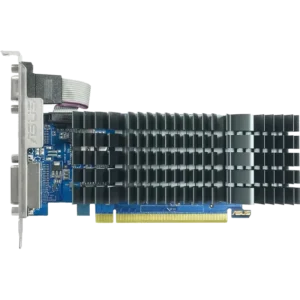
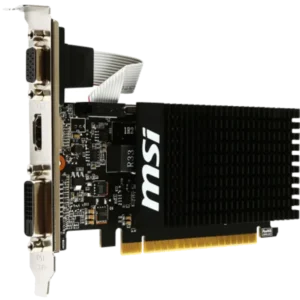
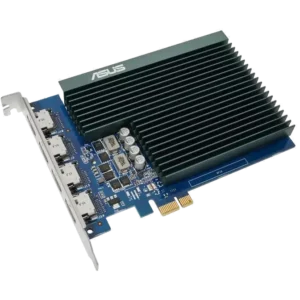
In many cases, if your CPU includes onboard graphics, Home & Office users may not need a dedicated graphics card. In scenarios where your CPU doesn’t have onboard graphics or you need to connect more display than your motherboard can handle, you can take advantage of adding a entry level dedicated graphics card to handle everyday tasks.
Graphics Card Specs to Consider
VRAM & Memory Bus
VRAM is the onboard memory your GPU uses to temporarily store textures, assets and high-resolution data. More is not automatically better, but too little can become a limit fast. VRAM can also be limited by the memory bus speed meaning 8GB VRAM on a higher end GPU can perform better than 8GB on a budget GPU.
Core Clocks, Boost, and Real-World Performance
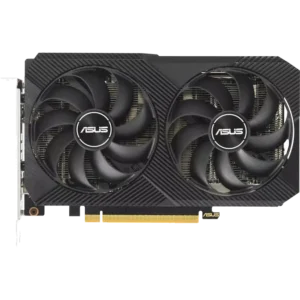
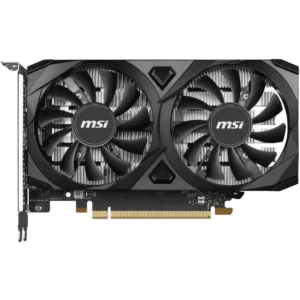
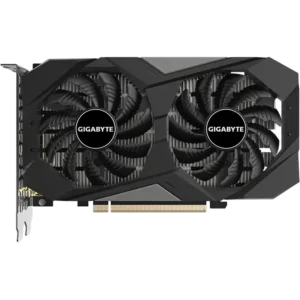
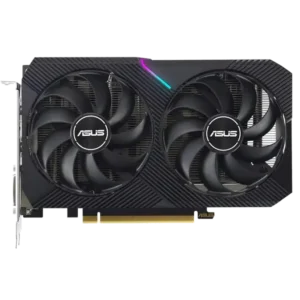
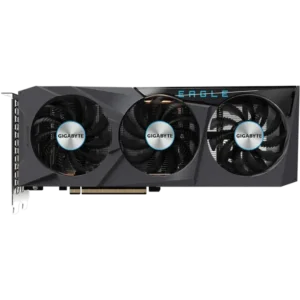
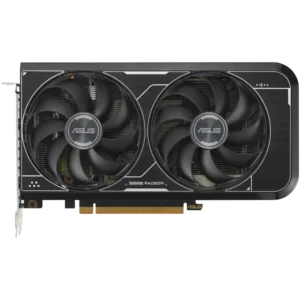
Each brand usually offers a variety of the same models. Depending on the power limits of the graphics card, some brand may offer dual-fan and triple-fan versions, OC versions with a higher boost speeds. These cards can slightly improve performance but usually aren’t as beneficial as choosing the next series up of card. The best model and version of graphics card is to choose one that matches your budget.
Power Draw, Cooling Design, and Noise Levels
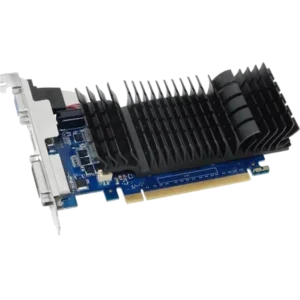
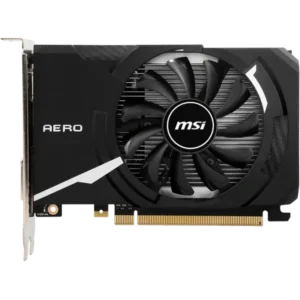
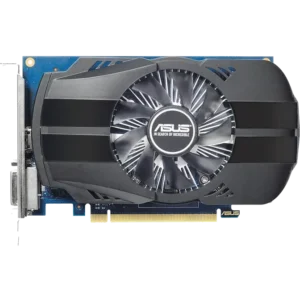
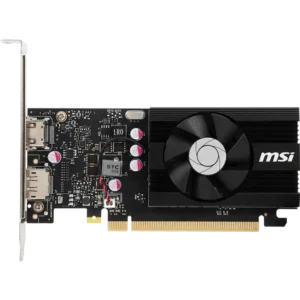
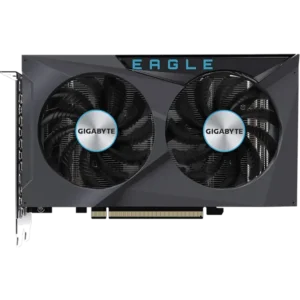
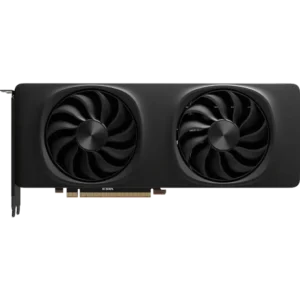
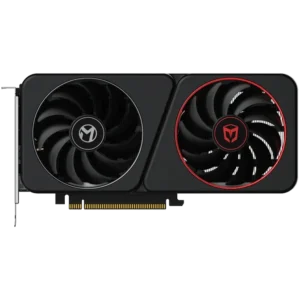
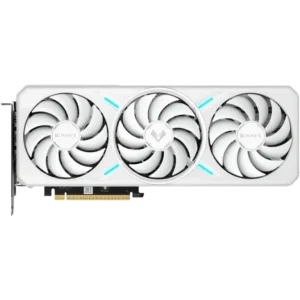
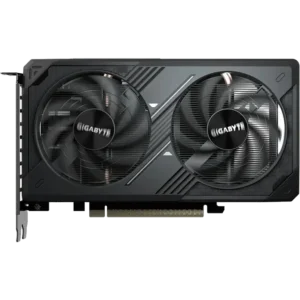
Depending on the size and model of the GPU, graphics cards will usually come in single-fan, dual-fan or triple-fan options. As you look from entry level to high end models, you will notice the thickness of the cards increase to allow for larger heatsinks to help cool the more power hungry GPUs more efficiently. Some slimmer GPU models or models designed for small form factor are good options for small form factor cases, but will usually run hotter as a tradeoff.
Compatibility with other components
Case Clearance and Slot Width
Check the card you’re considering will fit in your PC Case. You can check this by searching the manufacturers website page for your case where they will usually display the ‘Maximum GPU Length’. You can also check the graphics cards dimensions in the specifications. Cards will also have different thicknesses which are measured in slots. 1 slot is the size of the brackets removed on the case. If you are using a Mini-ITX or Micro-ATX case with a larger card, be sure to make sure your case can fit the thickness of the card.
Power Supply Wattage
Make sure your power supply maximum wattage and includes the connectors you need to connect your graphics card. You can usually find the recommended wattage on the graphics card product page. Traditional graphics cards use 8-pin (some power supplies use 6+2-pin) connectors to connect to your graphics cards. Newer NVIDIA Graphics Cards include the new 12V HPWR connector allowing more power over a single cable. Many graphics cards with this connector include an adapter to the traditional 8-pin connectors. If you need this adapter make sure your graphics card includes this in the package contents.
PCIe Generation and Connection
All standard motherboards will include a x16 PCIe slot for your graphics card to connect to. Pairing a graphics card and motherboard with the same PCIe generation will offer the best guaranteed bandwidth for communication between your CPU & graphics card.
NVIDIA vs AMD vs Intel: Which GPU is right for you?
Each GPU manufacturer offers their own technologies and driver support. To be competitive, most of these brands have their own version of driver features designed to do the same thing. Where they differ, is the technologies their platforms are built around which can lead some brands to benefit over others for specific workflows.
- NVIDIA: offers GeForce RTX GPUs designed for Gaming and their RTX series of workstation cards. For gamers, NVIDIA has been an easy recommendation for their excellent driver support and developments for features like ray tracing, DLSS support for frame generation, upscaling and reduced latency for selected games. Through their creator app, NVIDIA offer feautres like camera background removal, microphone and audio noice suppression and background removal powered by their RT-cores on GPU. NVIDIA also offer a wide range of GPUs, for entry level gamers all the way to the highest end of gaming options. Content creators can benefit from NVIDIA’s onboard NVENC engine for on-the-fly video transcoding along with NVIDIA Tensor cores for AI LLMs.
- AMD: offers Radeon GPUs which compete heavily in the entry to upper-mid-range market for gamers. These GPUs offer increasingly good driver support, driver features and value compared to their competition. AMD has developed their own versions of upscaling, frame generation and reduced latency filters. AMD offer driver level features like Radeon Super Resolution, Anti-lag and Fluid Motion Frames Generation, allowing these features to work with any game instead of with partnered games only.
- Intel: is new to the dedicated GPU market, but offers competitive price to performance with a focus on the entry level gaming graphics card market. Intel offer the Arc series graphics cards with comparable driver features to their competition. Intel offer their own versions, Xe Super Sampling for upscaling, XeSS Frame Generation to boost framerates and Xe Low Latency for reduced input lag. These features are added on a game level to selected games. Just like their CPUs, Intel’s video transcoding offers great performance for applications that take advantage of Arc GPUs.