Cases

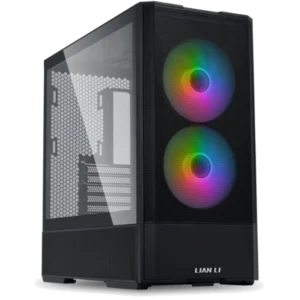
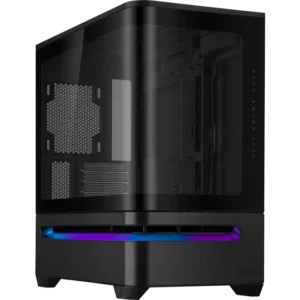
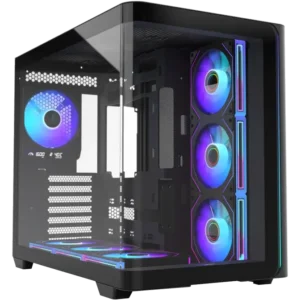
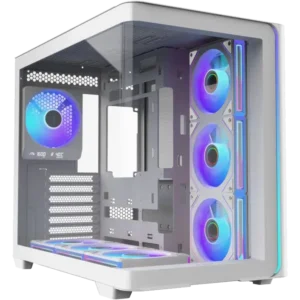
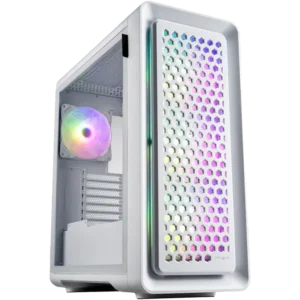
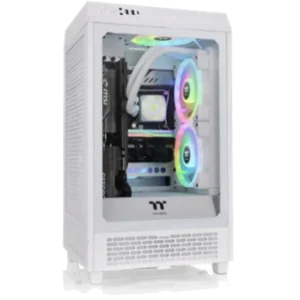
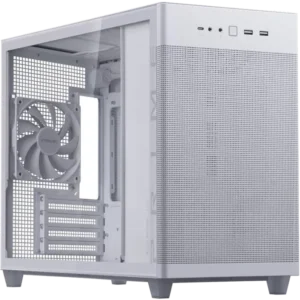
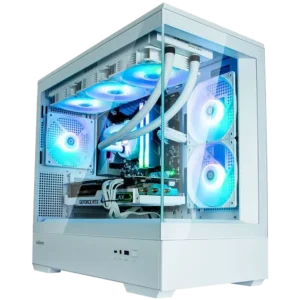
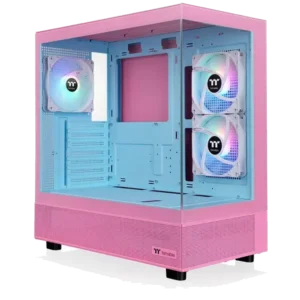
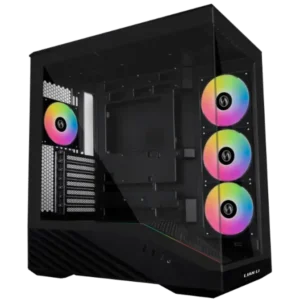
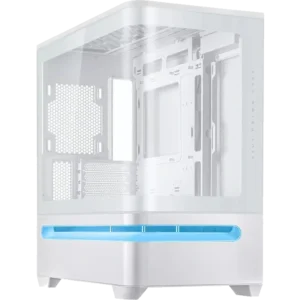
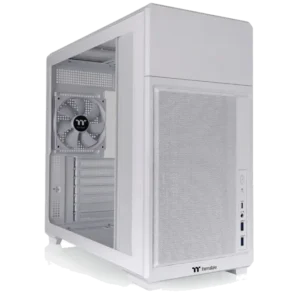
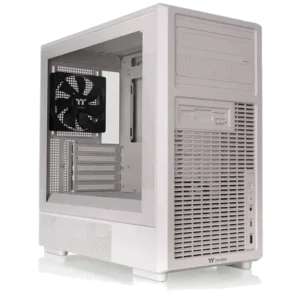
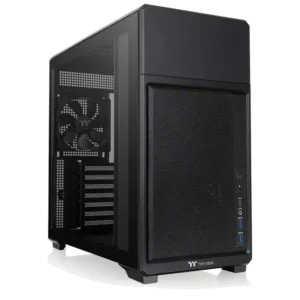
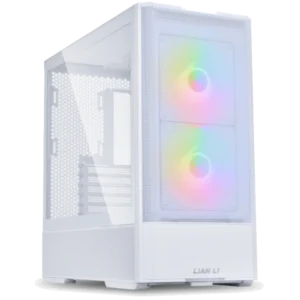
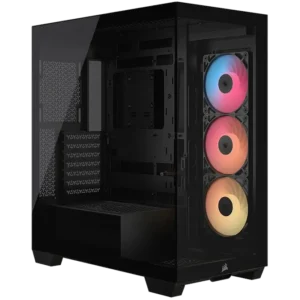
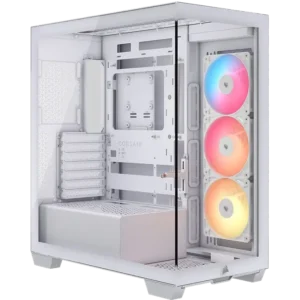
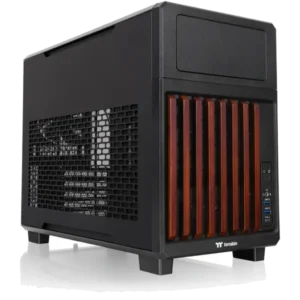
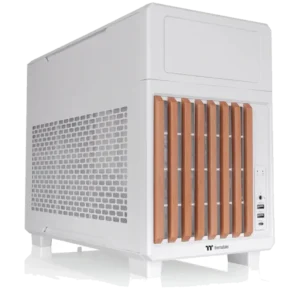
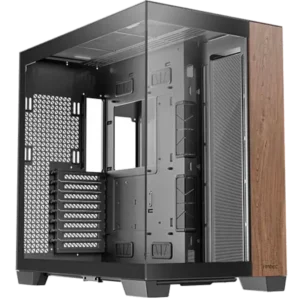
Cases are the biggest factor in the appearance of your computer, as well as deciding what options are available for the configuration of your computer. Ranging from basic black boxes for home and office use, to ginormous towers of tempered glass that ensure all your components are on display, there is something to suit every taste.

Show More

Deciding on a case will narrow down what components you are able to use significantly, as each case is suited for certain sizes and quantities of components, as such, deciding on a case comes down to 2 major factors; what you want your computer to look like and what components you want to use.

  • Case Size: Encompassing a few different standards, case sizes are a general description of the size of the box, and the size of components they will take. Smallest to largest, these are: Mini-Tower (or SFF), Micro-Tower, Mid-Tower and Full Tower.
  • Motherboard Compatibility: There are a variety of standard motherboard sizes; Mini-ITX, Micro-ATX, ATX and E-ATX being the most prominent. It’s vital to ensure that your case has mounting support for your motherboard size/standard.
  • Power Supply Compatibility: Much the same as motherboards, power supplies come in various size standards, primarily: ATX, SFX and SFX-L. Something to note is that even if your case comes with mounting support for SFX, an SFX PSU will have shorter cables, which may not be long enough in larger cases.
  • Cooler Clearance: Cooler clearance refers to the height in mm’s that the case will have room for, to ensure your case is compatible with your cooler, make sure the cooler height is lower than the cooler clearance.
  • GPU Clearance: Similar to above, GPU clearance refers to the maximum length of the graphics card in mm’s that the case will fit, same as before, make sure your graphics card length doesn’t exceed the cases GPU clearance.


Select Wishlist

Shopping Cart

Estimate Shipping (enter postcode)