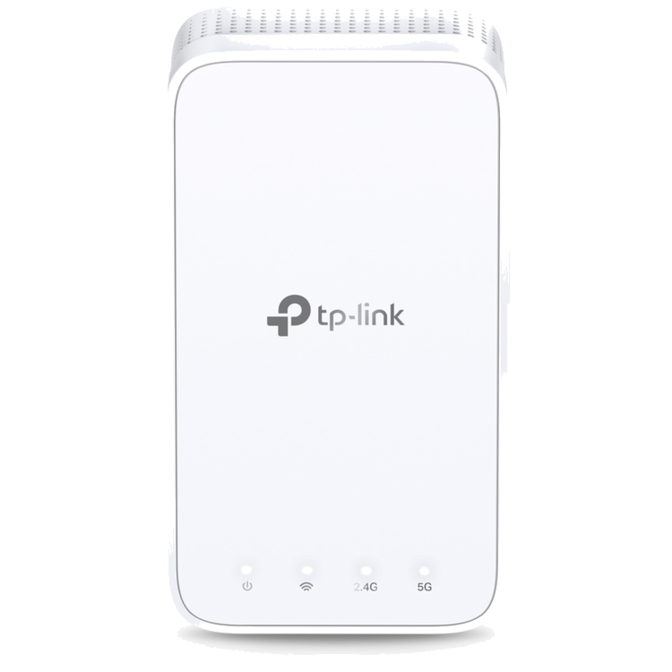
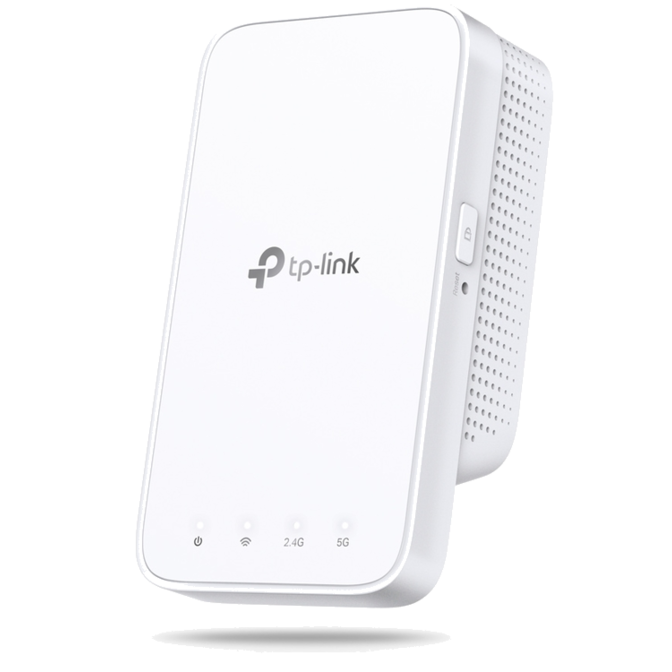
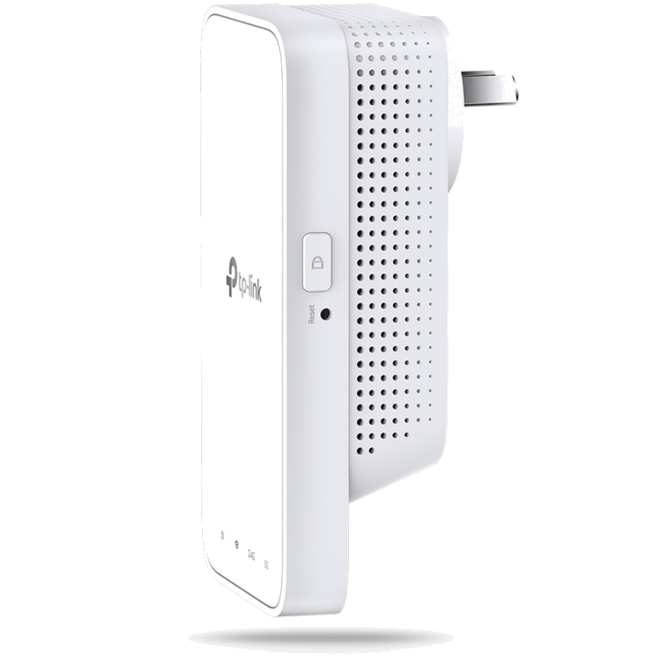
Extend Dual Band Wi-Fi across Your Home
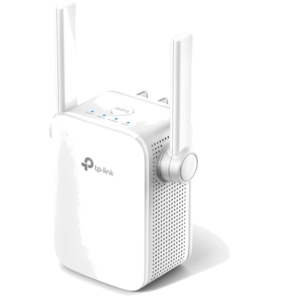
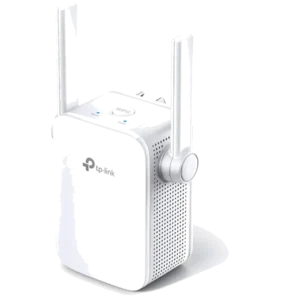
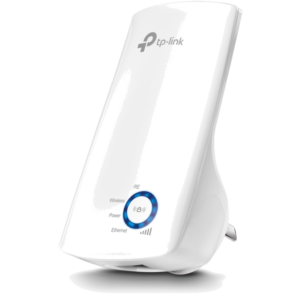
AC1200 Mesh Wi-Fi Range Extender
RE300
Why Do You Need OneMesh™ Range Extender?
-
Can’t get Wi-Fi in your
bedroom?Add a Wi-Fi Range
Extender -
Lose connection while
walking around the house?OneMesh™ with
Smart Roaming -
Network buffering
all the time?AC1200 Dual
Band Speed -
Network setup too
complicated?Easy Setup with
Only Two Steps
Keep the Whole Home Connected
RE300 wirelessly connects to your Wi-Fi router, strengthening and expanding its signal into areas it can’t reach on its own. With speeds of up to 300 Mbps on 2.4 GHz and 867 Mbps on 5 GHz*1, put strong, fast Wi-Fi in every room and say goodbye to dead zones.
Any Wi-Fi Router*2
TP-Link OneMesh™
OneMesh™ is a simple way to form a Mesh network with a single Wi-Fi name for seamless whole-home coverage. Just connect a OneMesh™ range extender to a OneMesh™ router. No more searching around for a stable connection.
Learn More about OneMesh™

Smart Roaming
Uninterrupted streaming when moving around your home*3

One Wi-Fi Name
No more switching Wi-Fi network names

Easy Creation
OneMesh™ Router + OneMesh™ Range Extender

Unified Management
Manage the whole unified network all in one Tether app
-
Traditional Router with Extender
-
OneMesh Router + Range Extender
Enjoy a Mesh Network with Your Existing Router
Want a Mesh network? Hesitate on whether to replace your existing router and buy a Mesh set?
TP-Link OneMesh™ resolves your dilemma.
- ? Update your existing TP-Link router’s firmware to OneMesh version—no need to replace it.
- ? Connect the RE300 to the router.
- ? Enjoy the Mesh network.
Check whether your existing router supports OneMesh >>
High-Speed Dual Band Wi-Fi without Bandwidth Drop
-
5 GHz
867 Mbps
2.4 GHz
300 Mbps
UP TO
32
devices
Phone Pad LaptopSmart Bulbs Smart Cameras Smart PlugsFaster AC1200 Dual Band Wi-Fi
The RE300 lets you keep more devices connected simultaneously with its 2.4 GHz 300 Mbps and 5 GHz 867 Mbps dual bands*1.
-
Without Adaptive Path Selection
Adaptive Path Selection
2.4 GHz 5 GHz 2.4GHz 5 GHz
Keeps Itself Fast
Adaptive Path Selection keeps your network running at top-speed by automatically choosing the fastest connection path to the router.
-
High Speed Mode
100%
Boosted Speed
2.4 GHz
5 GHz
2.4 GHz
5 GHz
High Speed Mode
Use both Wi-Fi bands to establish one super-high-speed connection, ideal for HD streaming & gaming.
Secure One-Touch Connection for Easy Setup
Step 1: Simply press the WPS button on your router and, within 2 minutes, the WPS button on RE300 to connect to the network.
Step 2: Once connected, place RE300 to the best location—without reconfiguration.
Notes: Please connect the extender to the router via the Tether app or Web UI if your router doesn’t support WPS.
Find the Best Location with the Smart Signal Indicator
The smart signal indicator lets you see signal strength from the existing router at a glance. Easily to find the best place to position your range extender to extend your Wi-Fi.
White
Strong signal
Weak signal
(Too far away from the router)
Feature-Rich App for Control in Your Hands
Set up and manage your Wi-Fi through the TP-Link Tether app from your smartphone (Android, iOS), including TP-Link routers and range extenders.