




AMD FreeSync technology synchronizes the GPU and the monitor so frames are displayed when ready: no tearing or stuttering.


- High performance solution with all the benefits of variable refresh rate technology.
- Based on industry standards, not expensive proprietary solutions.
- Cheaper and easier to implement: no additional monitor hardware, no license fees.
- Cheaper for consumers.
- Support multiple use cases: Gaming, Video, Power Saving.



Conventional 60Hz monitors can show distracting motion blur when displaying games with rapid movement.

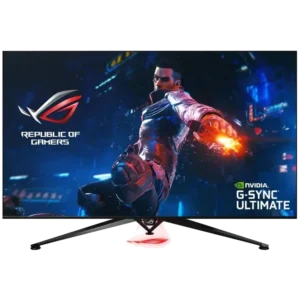
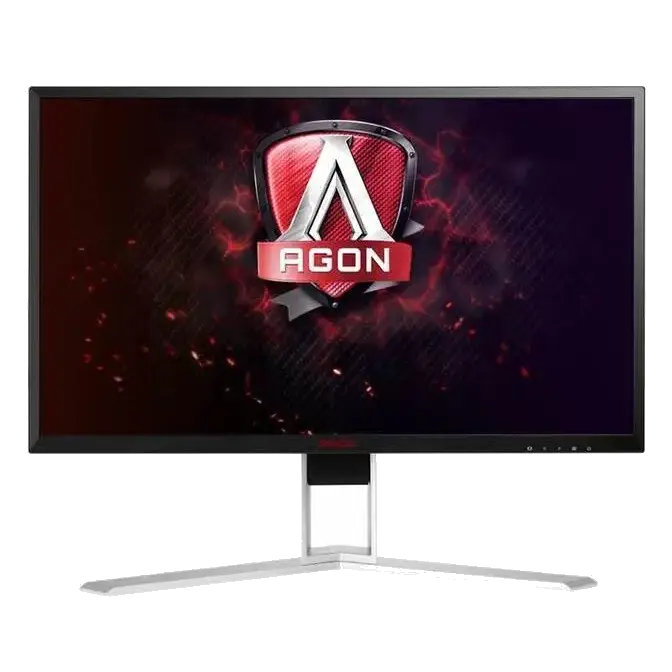
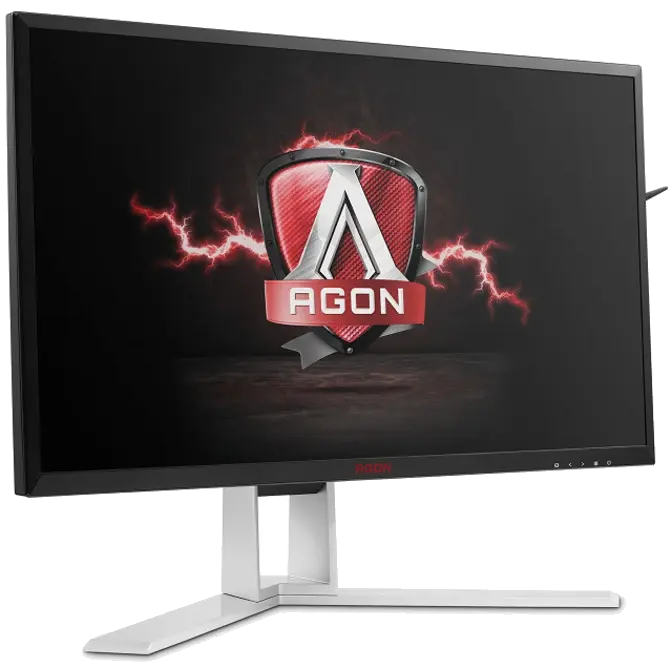
Ultra-fast 240Hz refresh rate and 1ms screen response time combine to enable sharper and more responsive action.

Many gamers have the misconception that 240Hz monitors are only needed for FPS gameplay. However, this isn't the case.
Smoother visuals aside, 240Hz monitors also reduce any delays between physical mouse movement and on-screen depiction. 240Hz monitors refresh on-screen images 240 times per second for sharper, cleaner movements. The added benefit is that the mouse cursor's position is updated 240 times per second as well. Compared to a 60Hz display, the result is much-improved mouse movement fluidity and precision. This is useful for micromanaging units better in RTS games or winning action-packed team fights in MOBA games, for example. It is also an advantage recognized by many pro gamers.
Case in point: in 2016 during the Valve-sponsored Dota2 Shanghai Major tournament, players complained that the only monitors available at the time were 60Hz. Sponsors ended up providing new 240Hz monitors on short notice for the tournament to continue smoothly.

AOC Shadow Control enables fast contrast adjustment of overly dark or bright areas through the OSD menu, while retaining quality on more balanced areas on-screen.










Agon provide the different level for "Low Blue Light", for the different user scenario.
Most LED monitors use PWM (pulse width modulation) to control brightness; the pulsing creates flicker that may cause discomfort, headaches and eye strain, especially in low-light environments. Flicker Free technology uses a smooth DC (direct current) backlight system.

Low Input Lag reduces delay between signal input (via keyboard, mouse or otherwise) and image processing on the screen to ensure a smoother gaming experience.

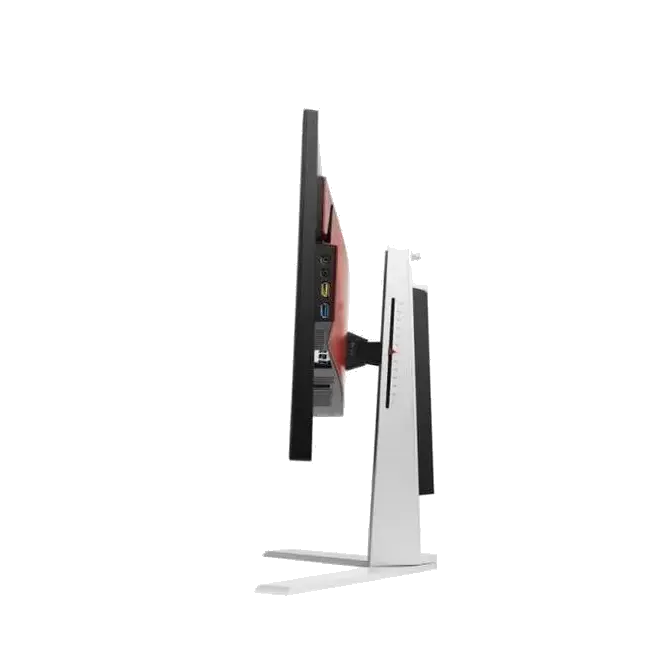
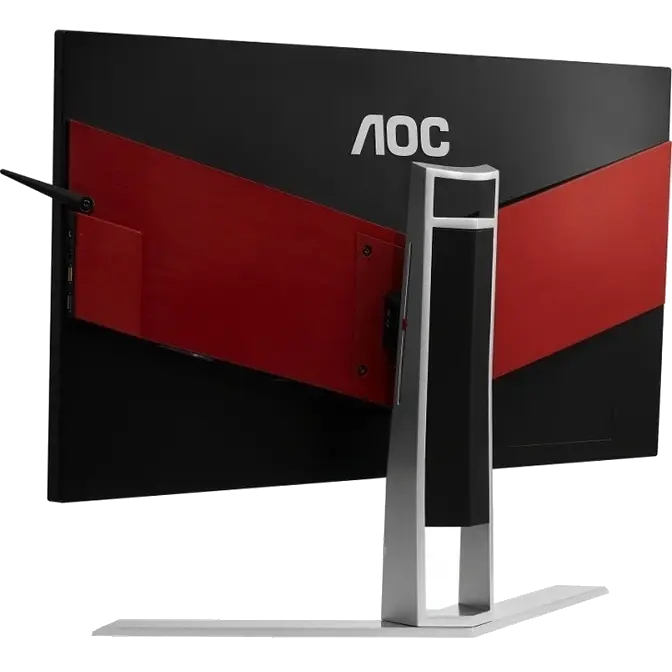
AOC gaming monitors are very easy to connect. The AG251FZ has several external input ports, but also has dedicated USB 3.0 and device-charging ports, making it easy for you to charge your mobile device or transfer data while focused on your gaming session.


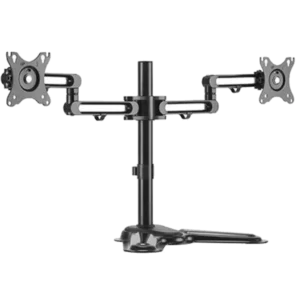
The fully adjustable stand allows convenient adjustment of the screen’s height and angle. Match the screen’s position to your chair position, height, and line of sight for a comfortable playing experience.