


Why You Want It
 |
Dual Band |
 |
Smart Connect |
 |
High Power Amplifier |
 |
Gigabit Ethernet |
 |
Dual Core |
 |
Smart Beam Forming |
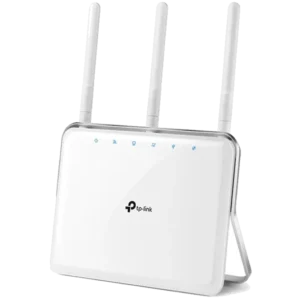
Extreme Wi-Fi coverage
With its built-in high power amplifier (of up to 1000mw) and antenna diversity you can enjoy wider wireless coverage throughout your home.

Smart beam forming
Improves coverage by directing bandwidth to your devices as you move around your home. You can stream HD video, surf the web, skype your friends and play online games from wherever you are so you'll always get the best experience. 
Smart connect
Not all Wi-Fi bands are the same, but you don't need to worry about that. With Smart Connect Technology, the DIR-879 chooses from the two Wi-Fi bands and automatically connects each device on your network to the best, clearest band available for the best connection every time. 
Dual core processor
A dual core processor gives you all the processing power you need to support more devices and apps in your home so you can experience lag free gaming and HD media streaming. 
Intelligent QoS
Intelligent QoS tracks the type of network traffic (media streaming, web surfing, online gaming) and decide which application deserves higher priority. 
New user interface
Controlling your network by enabling parental controls, blocking unwanted devices, monitoring internet activity and creating Wi-Fi guest networks is easier than ever with our new interface. 
Additional Features
 Speed
11AC Wi-Fi – World’s fastest Wi-Fi speeds of up to 600Mbps (2.4GHz) + 1300Mbps (5Ghz).
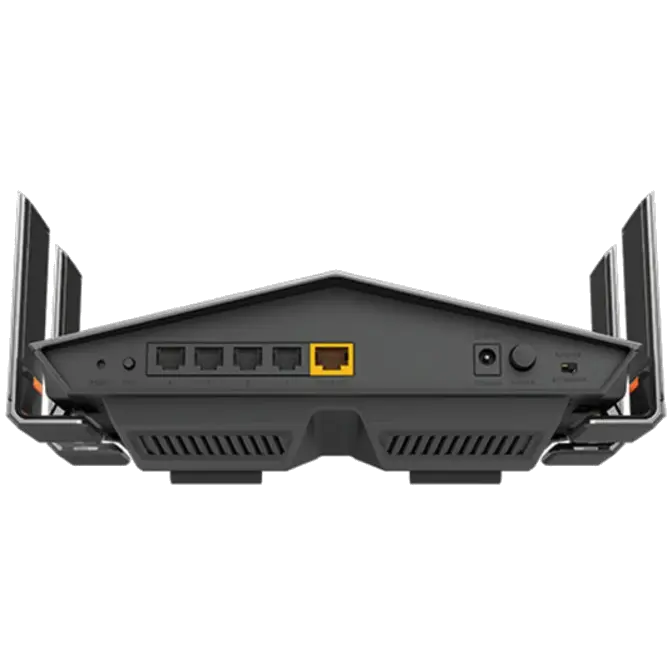
Gigabit Ethernet Ports – Ensures the best wired online experience for HD streaming and gaming.
 Range
Whole-Home Coverage – 11AC technology extends wireless range further than with Wireless N.
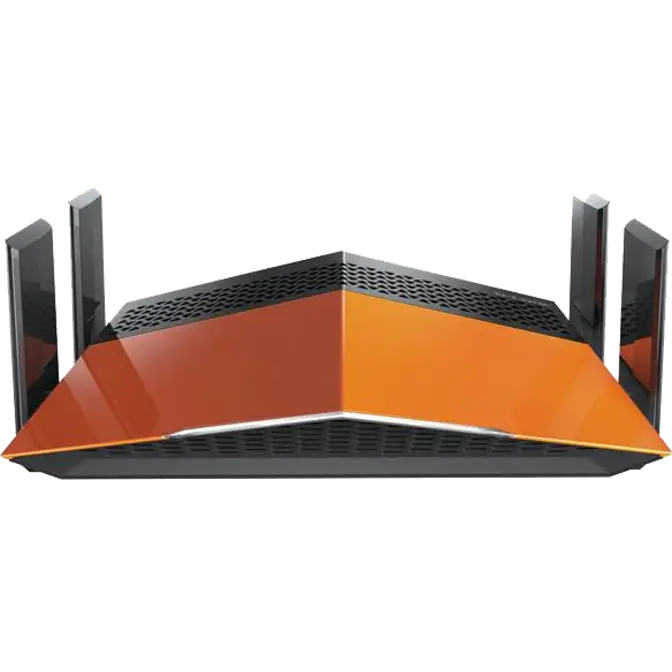
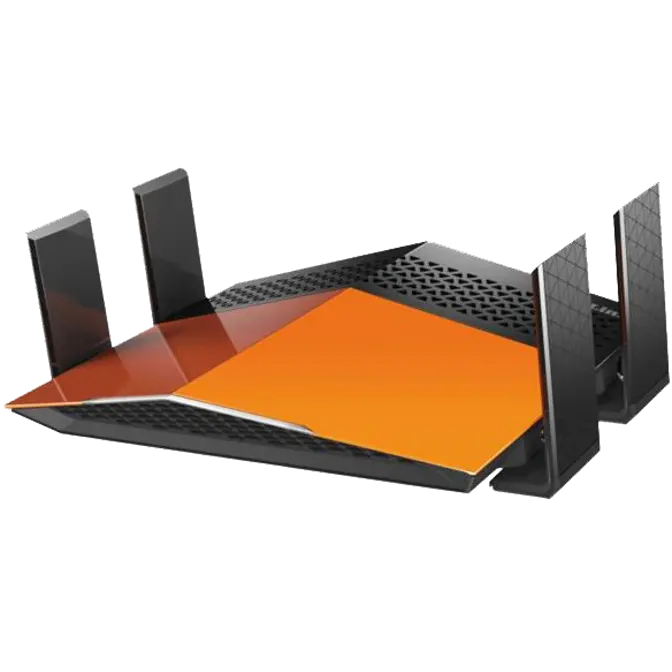
High-Powered Antennas – 4 external antennas amplify wireless signal.
 Performance
Traffic Prioritization – Advanced QoS engine distributes traffic optimally across both wireless bands to guarantee the best performance.
Dual-Band Technology – Decreases wireless interference and congestion, allowing you to connect more devices.
 Management
Easy To Install – Installation wizard manually walks you through setup in minutes.
Quick Router Setup (QRS) App – Easy setup app for smartphones and tablets.
mydlink Lite App – Free mobile app with ability to monitor, control & troubleshoot your home network.
WPS Push Button Setup – Quickest method of connecting devices with the push of a button.
Zero Configuration – Once router is setup, other D-Link Zero Configuration devices can easily and instantly connect.
 Security
Parental Controls – Create online access schedules and block/allow specific websites and/or devices.
Guest Wi-Fi Network – Enable a public or encrypted wireless guest network.
Secure Wi-Fi Encryption – WPA/WPA2 provides highest level of wireless security.