
DirectCU
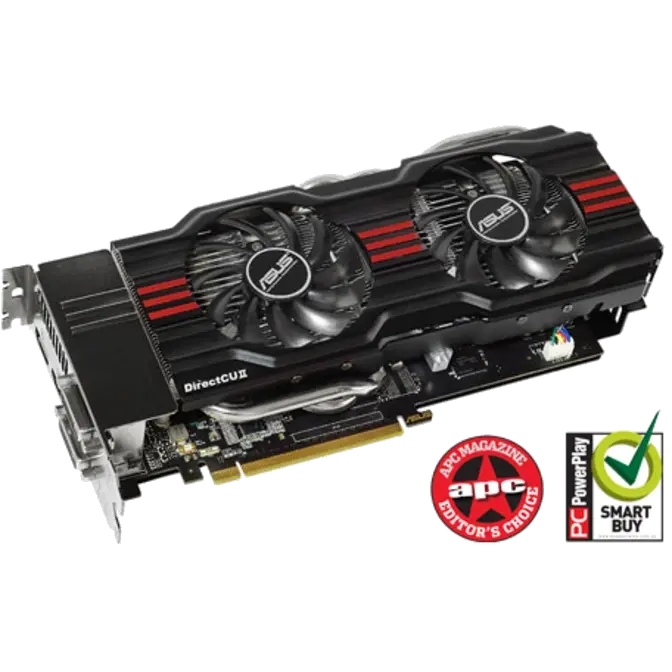
Direct cooling for 20% cooler than reference
|
||||||||



Super Alloy Power
15% performance boost, 2.5 times longer lifespan, 35°C cooler operation
|
||||||






GPU Tweak
Tweak and tune like a PRO
| Please check out our microsite for more details and downloads.
Overclocking is made real-time and intuitive with ASUS GPU Tweak utility. It not only allows you to optimize clock speeds, voltage and fan speeds on up to four graphics cards independently or simultaneously, you can also select between GPU Tweak’s Standard or Advanced modes depending on your level of experience. For gamers out there, GPU Tweak enables instantaneous in-game video recording* up to 720p resolution so you can share clips with the community easily. On top of these exciting tools, ASUS gives you more: |
 |
|
Sync GPU clocks and voltages for easier overclocking |
Automatically check and update driver and BIOS versions |
Get detailed specs and actual card status with GPU-Z |
2D/3D switcher can lock the card in 3D for higher benchmarks |
Moitoring widget provides detailed multi-parameter info |
|