


PERFORMANCE
PUSHED TO THE APEX
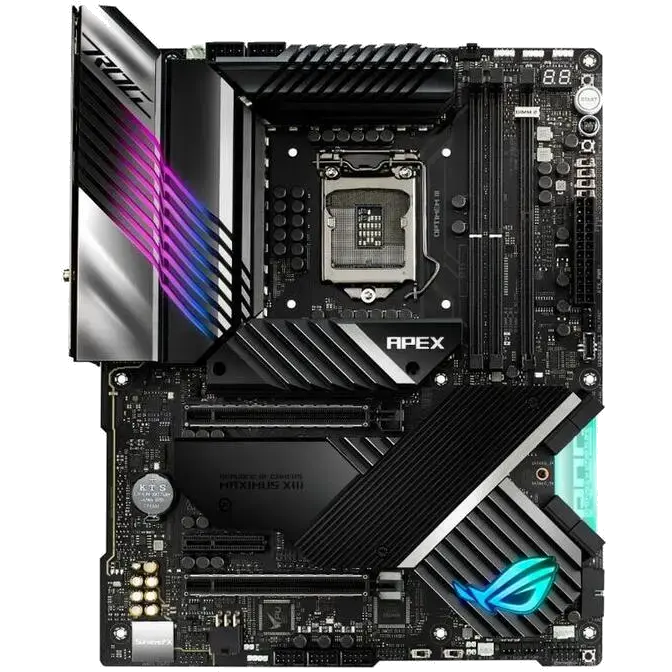
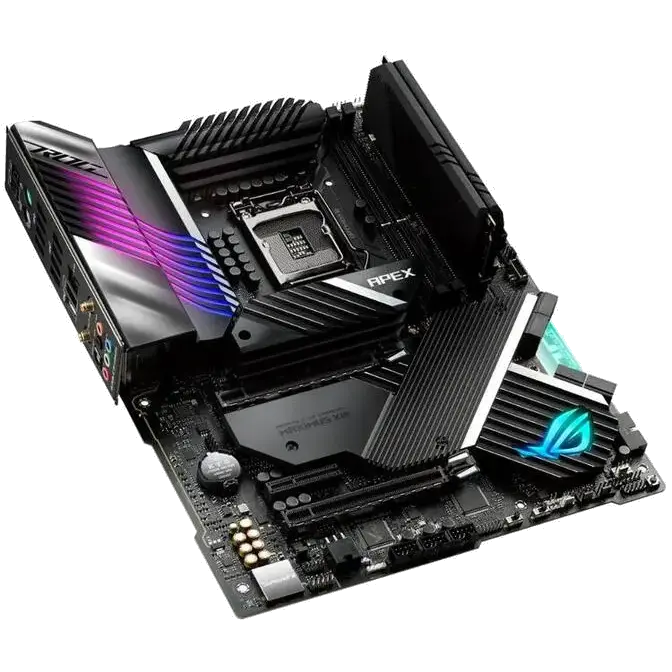
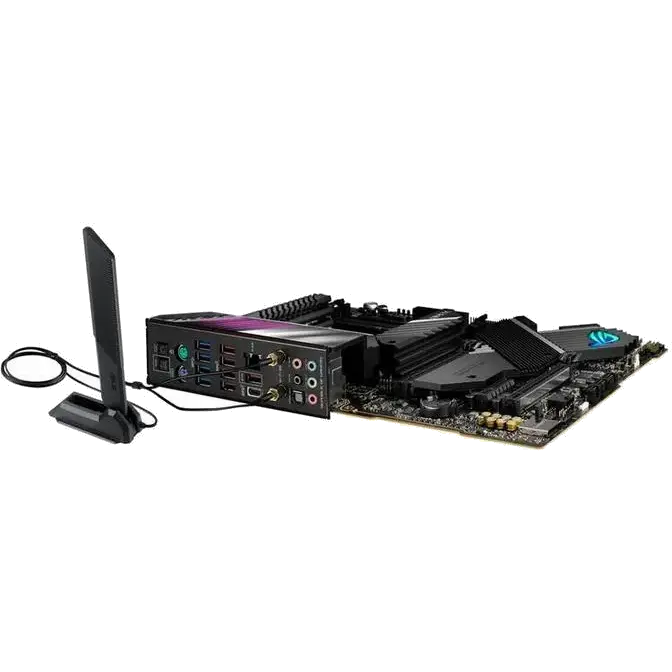
For generations, streamlined layouts that reduce latency and increase bandwidth have enabled ROG Apex series motherboards to dominate numerous world records. Maximus XIII Apex continues that legacy by amping power delivery and adding overclocking enhancements for 11th Generation Intel Core processors. Those upgrades are fused with the latest connectivity options to boost the meta and bring the board's racetrack performance to daily rigs.

Enhanced with AI
Intelligent software solutions help ensure that your system performs at its best. The latest ASUS AI-powered enhancements span four pillars of performance, including overclocking, cooling, networking and onboard audio, making advanced tweaks and optimization accessible to new recruits and savvy PC DIY veterans alike.
-
AI Overclocking
Tuning is now faster and smarter than ever before. ASUS AI Overclocking profiles the CPU and cooling to predict the optimal configuration and push each system to its limits.
-
AI Cooling
Balance the thermals and acoustics of any build with a single click. A proprietary ASUS algorithm reduces unnecessary system noise by monitoring CPU temperatures and dynamically adjusting fans to optimal speeds.
-
AI Networking
The GameFirst VI utility optimizes networking performance by allocating bandwidth in real time based on application usage scenarios and corresponding learning algorithms.
-
Two-Way AI Noise Cancelation
This utility leverages a massive deep-learning database to reduce over 500 million types of background noise from incoming or outgoing audio, helping ensure crystal-clear communication in games or calls.

OVERCLOCKING
ROG Maximus XIII Apex makes overclocking accessible to both beginners and seasoned enthusiasts alike. Its intelligent power solution caters to the demands of the latest Intel processors, while comprehensive controls give you the tools you need to ramp up performance.
- Overclocker’s Toolkit
- Condensation Detection
- Power Solution
- Memory
Overclocker’s Toolkit
An Overclocker’s Tookit with hardware-level controls will aid your overclocking experience. They’re quick and easy time-savers designed to help you break more records.
-
QLED
Four LEDs to show the current boot status.
-
LN2 Mode
Jumper to enable special options and functions for liquid-nitrogen (LN2) overclocking.
-
Safe Boot Button
Instantly reset the PC and boot directly in to Safe mode.
-
ReTry Button
One press instantly initiates a hard reset.
-
Slow Mode Switch
Instantly reduces the CPU ratio to 8X to keep the system stable during setup for extreme overclocking.
-
Pause Switch
Activate to pause the system and fine-tune OC parameters mid-benchmark.
-
Probelt
Includes nine integrated measurement points for advanced tuning.
-
BIOS Switch
Easily switch between BIOS 1 and 2.