




U4308V
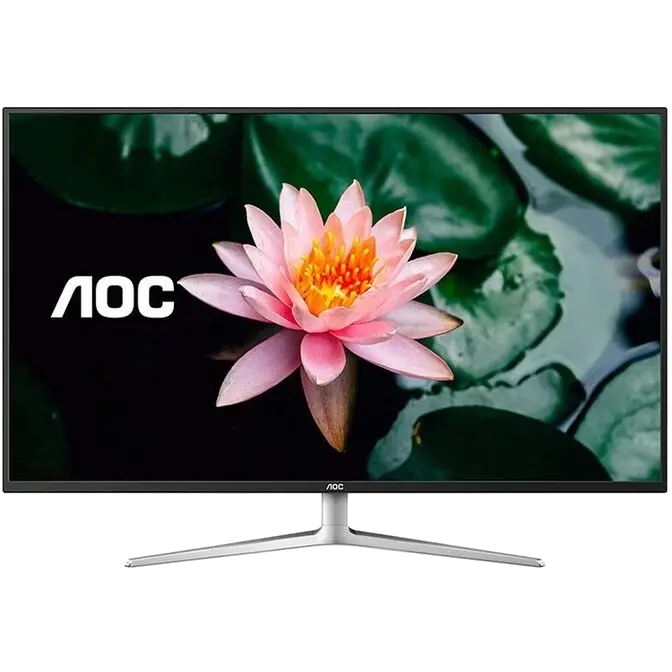
42.5 inch IPS, 4K, Low Blue Mode, Super Color Monitor
4K Ultra HD
4K Ultra High Definition (UHD) resolution at (3840 x 2160 pixels) has four times the pixel density as the current industry standard of Full HD to provide incredibly detailed images. As a result you enjoy substantially more natural transitions between hues for exceptional realism and stunning lifelike quality.

IPS Wide View
IPS panels deliver vivid and accurate color expression while offering wider viewing angles than regular monitors for extra comfortable viewing.

NTSC 109% Wide Color Gamut
AOC Super Color technology enlivens the viewing experience with more passionate reds, enchanting greens and soothing blues. With this hardware solution, you can enjoy better color accuracy and true-to-life color reproduction in your photos, videos and more.

Screen+ Software
Screen+ Software splits the desktop into different panels, each showing a different window. This makes multitasking and switching between windows a much simpler and more organized process.

Picture-in-Picture, Picture-by-Picture
Picture-in-Picture and Picture-by-Picture empowers you to multitask like it was nothing. These features display and fine-tune content from different PCs sources onto your screen at once, making it much easier to work on multiple projects at the same time.

Low Blue Mode
Long exposure to short wavelength blue light may cause eye strain, sleep disorders, or headaches. AOC Low Blue Mode puts the user first by reducing the screen’s short wavelength blue light emission without sacrificing color accuracy. Also provides four different filtering modes – reading, web browsing, multimedia, and office.

Flicker Free Technology
Flicker Free technology uses a smooth backlight system to prevent monitor flickering. This reduces eye strain and other damaging effects to your eyes – an especially valuable feature when working overtime, gaming for long hours or watching movies.

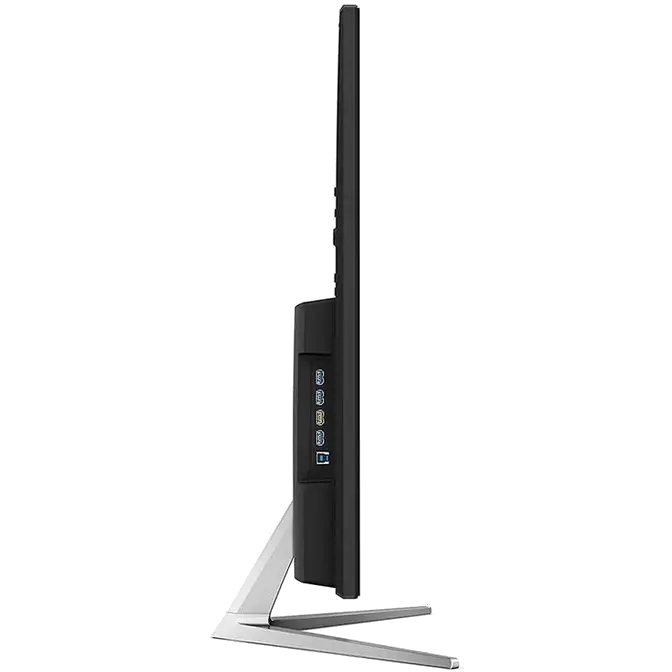
Multimedia-Ready with HDMI and DisplayPort inputs
HDMI compatibility unlocks a wider array of connectivity options for users, including gaming consoles, laptops, Blu-Ray players, and more.
DisplayPort is the main PC-to-monitor connection format in the industry, with better refresh rates and the ability to transmit good quality audio in addition to visual data.

-
i-Menu
Adjust your settings with i-Menu, which conveniently allows you to change on-screen display settings (OSD) with your mouse instead of having to press buttons on the device itself.
-
e-Saver
e-Saver low power configuration will activate when the monitor is in screen saving mode, the user is away from the screen, or when the PC is switched off, ultimately reducing energy bills and contributing to a greener environment.
-
Dynamic Contrast Ratio
Dynamic Contrast Ratio enhances the display’s contrast by adjusting the backlight's luminance to achieve the darkest blacks and brightest whites. The result? Images with more depth, detail and clarity.