


USB-C port (supporting DisplayPort alternate mode) for optimum performance** (or Mini DisplayPort and standard USB port to use Wacom Link adapter) (Thunderbolt 3 is not required)
**UHD (4K) resolution is only supported when connecting to a USB-C port on a computer using a USB-C to USB-C cable in Port 1 of the Wacom Cintiq Pro 13 (the top left port). Wacom offers mini DisplayPort connectivity using the included Wacom Link adapter which currently supports up to 2K resolution. Conversion of HDMI from the computer to USB-C on the Cintiq Pro 13 at 4K is not technically available at this time.
New Wacom Pro Pen 2:
|
|
|---|---|
| Our new Wacom Pro Pen 2 will instantly become your favorite creative tool. It’s more sensitive, more accurate and more responsive than any pen we’ve ever made. |
|
|
4x more pressure sensitive* |
4x more accurate* |
|
Virtually no lag |
Natural tilt support |
|
No parallax |
No batteries or recharging |
| *Compared to Wacom Pro Pen | |






Connect to your canvas
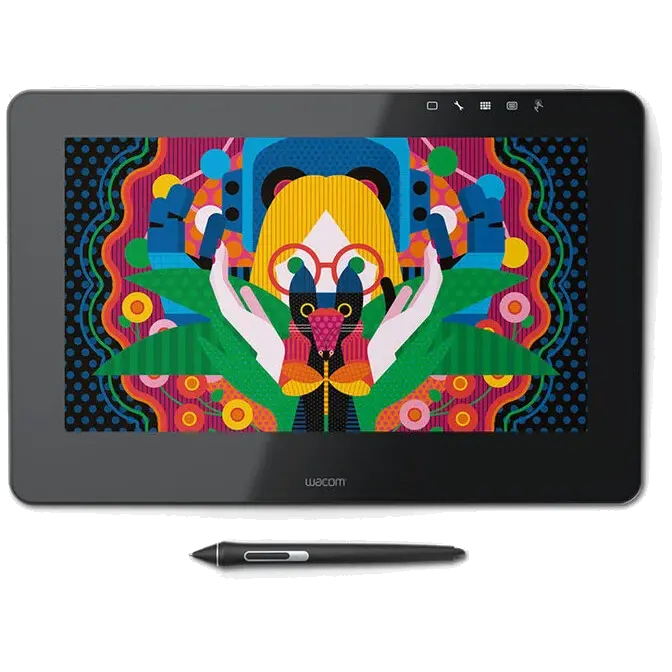
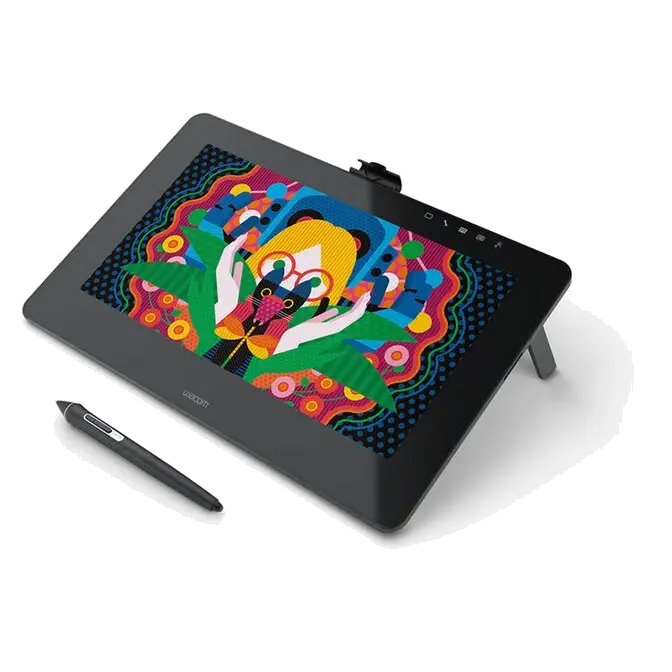
Wacom Cintiq Pro 13 packs HD resolution (1920 x 1080px) into a pin-sharp 13” LCD display. And with a wide color gamut (87% of Adobe® RGB), you can be sure what you see is what you’re going to get.
But the connection to your work isn’t just visual. The etched-glass screen provides just the right resistance to the tip of Wacom Pro Pen 2 to give you the familiar feel of working with pen on paper.
Designed for the way you create
As a creative professional, time’s rarely on your side. That’s why Wacom Cintiq Pro puts productivity solutions right at your fingertips.

Connect your way
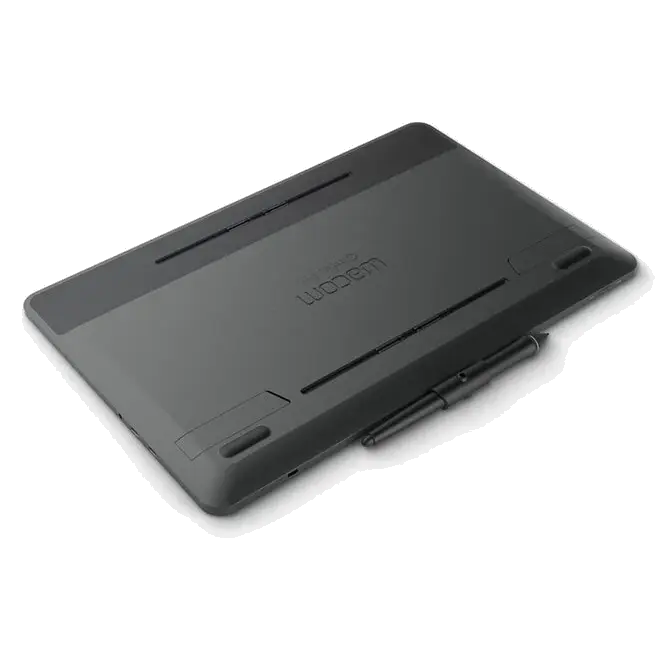
Connect to any Mac or PC with a single USB-C cable (included) to a USB-C port for both video and data. Or use the included Wacom Link adaptor to connect to a mini DisplayPort (video) and standard USB port (data).

Make it match you
Customizable ExpressKeys™* and Radial menu's* mean that Wacom Cintiq Pro can be quickly configured to fit seamlessly into your workflow.
*Sold separately.

Navigate with a swipe
Pan, zoom or rotate your work with multi-touch gestures – as simple as using your smartphone.
Get closer to your creations
If you prefer working on a compact canvas, Wacom Cintiq Pro 13 is the perfect match. It’s a lightweight, more portable device that’s ideal for sketching and drawing.