
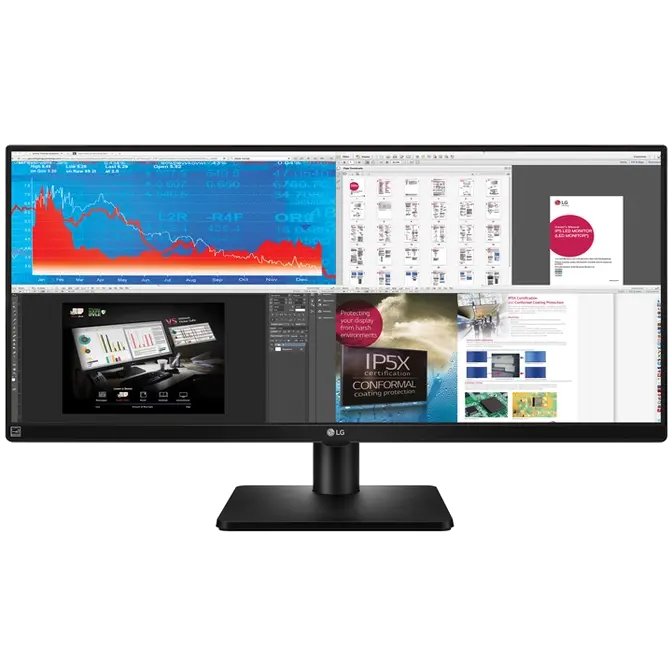
4-SCREEN SPLIT

Efficiently run several programs and have multiple active windows on the screen at the same time.
How to Install & Use the 4-Screen Split Feature
1. Install the 4-screen split software from the CD included in the package.
2. Locate the 4-Screen Split icon [ ] located on the task bar.
3. Select the Screen Split layout desired.
DUAL LINK UP

For business meetings, the Dual link-up feature allows two portable devices, such as a computer, camera, phone or Blu-ray player to be connected to the monitor and used on a single screen simultaneously.

SMART ENERGY SAVING
LG’s Smart Energy Saving Mode reduces power consumption without lowering the brightness of the monitor.
FLICKER-SAFE

LG’s Flicker-Safe technology protects users’ eyes from fatigue by reducing flickering to almost zero
READER MODE

With a touch of a button, Reader Mode allows the reduction of blue light emissions that can be harmful to the eyes.